Wyróżnij kluczowe szczegóły na zrzucie ekranu, aby skutecznie przekazać swój komunikat
BUDŻET
300K USD
DŁUGOŚĆ
18 miesięcy
Wyróżnij kluczowe szczegóły na zrzucie ekranu, aby skutecznie przekazać swój komunikat
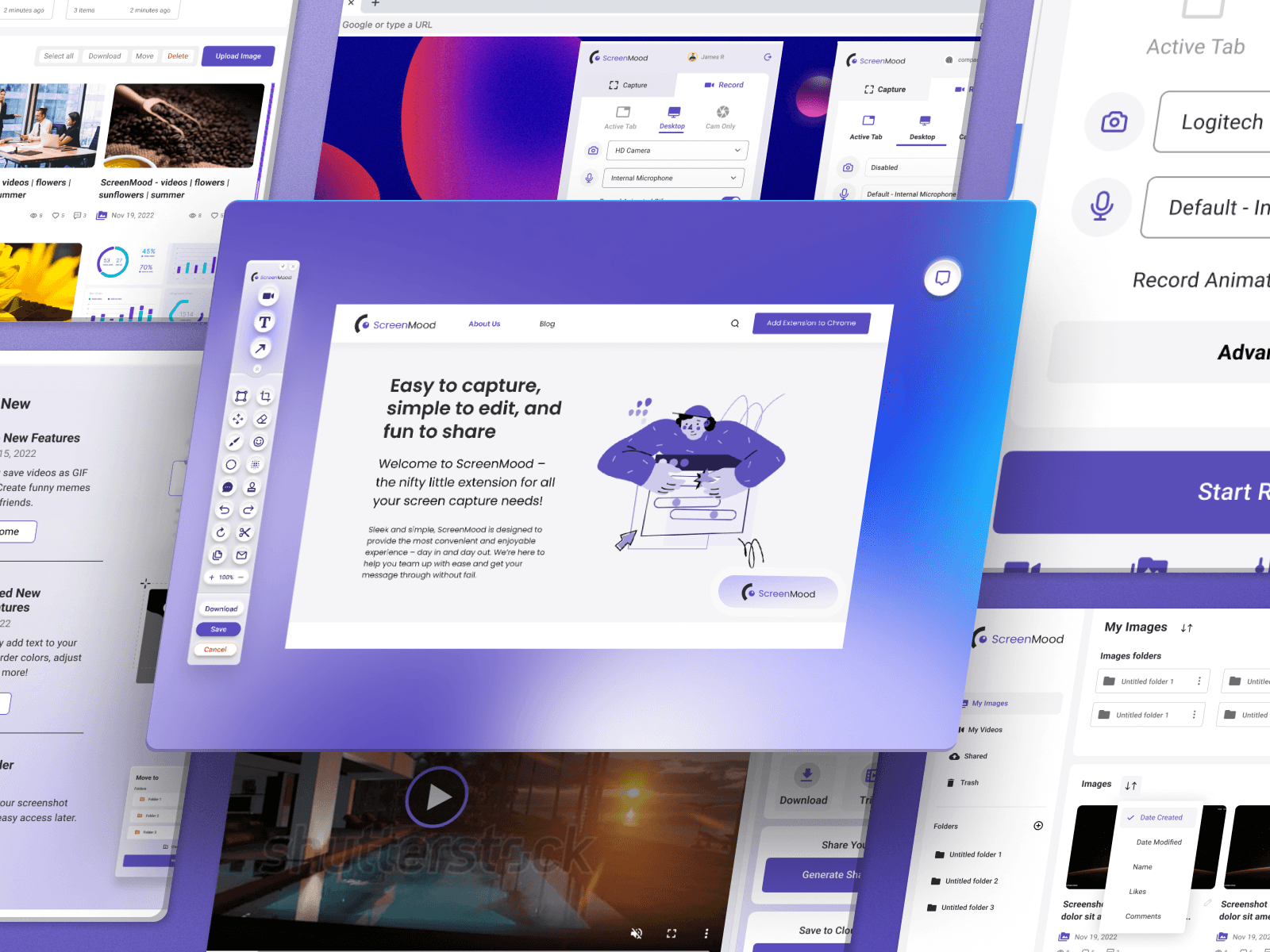
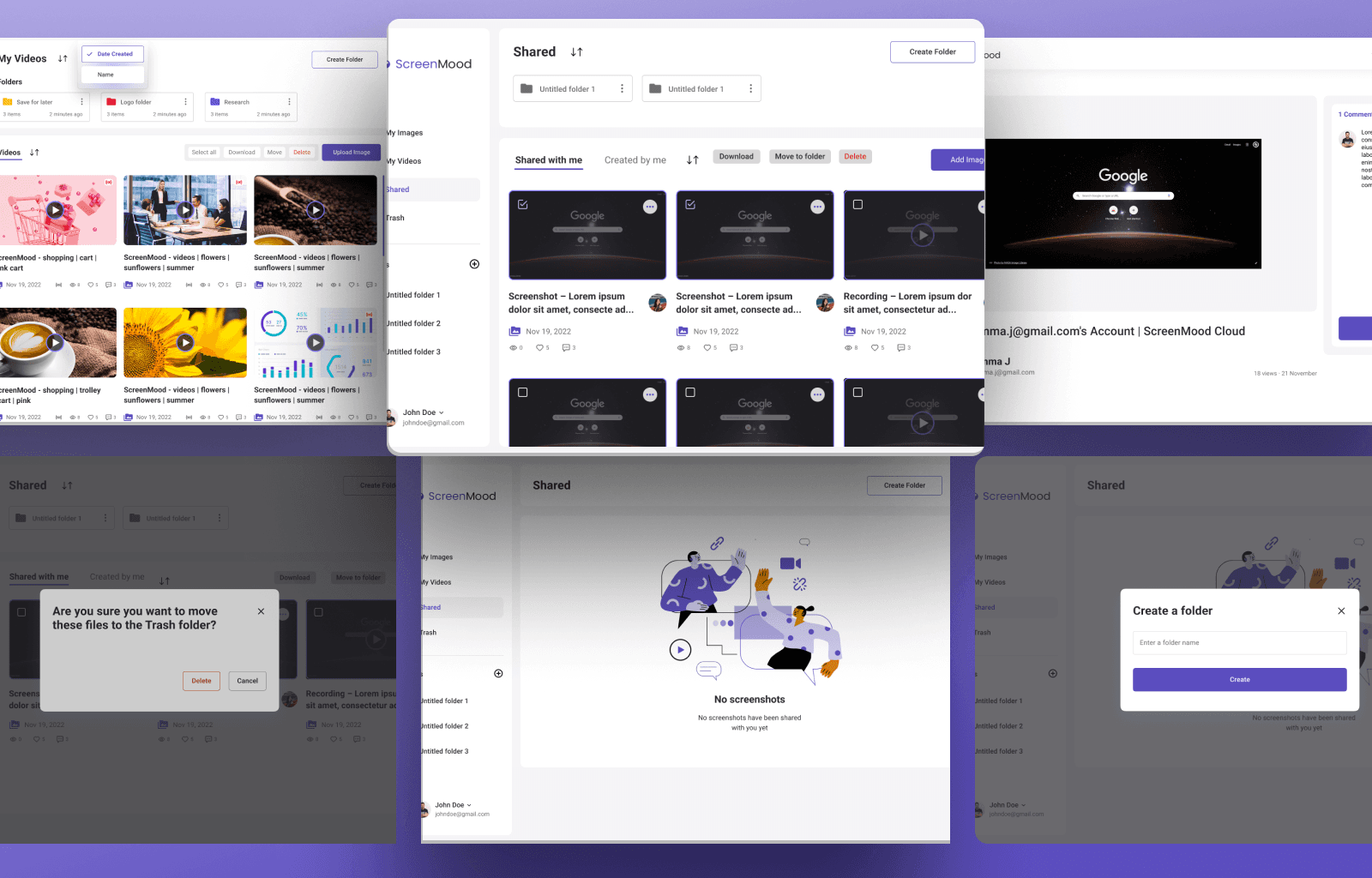
creenMood to innowacyjne rozwiązanie obejmujące zarówno rozszerzenie przeglądarki, jak i portal użytkownika, zaprojektowane, aby zrewolucjonizować sposób, w jaki użytkownicy przechwytują, personalizują i udostępniają swoje doświadczenia cyfrowe za pomocą zrzutów ekranu.
To kompleksowe narzędzie pozwala użytkownikom ulepszać zrzuty ekranu bezpośrednio w przeglądarce, zarządzać nimi za pomocą intuicyjnego portalu online i udostępniać je z łatwością na różnych platformach.
Projekt integruje zaawansowane narzędzia do edycji, inteligentne funkcje organizacji oraz przyjazny interfejs, aby sprostać szerokiemu zakresowi potrzeb komunikacji cyfrowej.
Podsumowanie projektu
Cel projektu
Głównym celem projektu ScreenMood jest opracowanie i uruchomienie wszechstronnego systemu do zarządzania zrzutami ekranu, obejmującego rozszerzenie przeglądarki i portal użytkownika.
Celem dodatkowym jest zapewnienie wyjątkowej satysfakcji użytkowników, dążąc do średniej oceny co najmniej 4,5 gwiazdki w opiniach użytkowników w sklepach z rozszerzeniami oraz w portalu.
Problem 😨
- Budżet
- Wielkość zespołu
Głównym wyzwaniem, przed którym stanął zespół ScreenMood, były ograniczenia budżetowe uniemożliwiające uruchomienie projektu.
Ograniczenia te doprowadziły do zmniejszenia wielkości zespołu i zakresu projektu, co wpłynęło na naszą zdolność do realizacji pierwotnej wizji. Dodatkowo konieczność priorytetyzacji najważniejszych zadań zwiększyła presję na dostępne zasoby.

Rozwiązanie ✅
Jedną z największych zalet zespołu ScreenMood była zdolność szybkiej adaptacji do ograniczeń budżetowych przy jednoczesnym utrzymaniu wysokich standardów rozwoju.
Pomimo ograniczeń finansowych udało nam się utrzymać wysoki poziom jakości i skutecznie zaspokajać potrzeby klientów w sposób innowacyjny oraz efektywny. Ta elastyczność i odporność są kluczowym elementem naszej filozofii działania.
W obliczu tych wyzwań wdrożyliśmy szereg rozwiązań, aby zmaksymalizować wykorzystanie zasobów i osiągnąć cele mimo ograniczeń.
- Priorytetyzowaliśmy najważniejsze zadania rozwojowe, aby zoptymalizować wykorzystanie dostępnego budżetu.
- Prowadziliśmy również aktywne rozmowy z interesariuszami w celu rozważenia przyszłych możliwości finansowania.
- Dzięki tym rozwiązaniom zespół ScreenMood utrzymał wysoką jakość i kontynuował postępy pomimo napotkanych przeszkód.
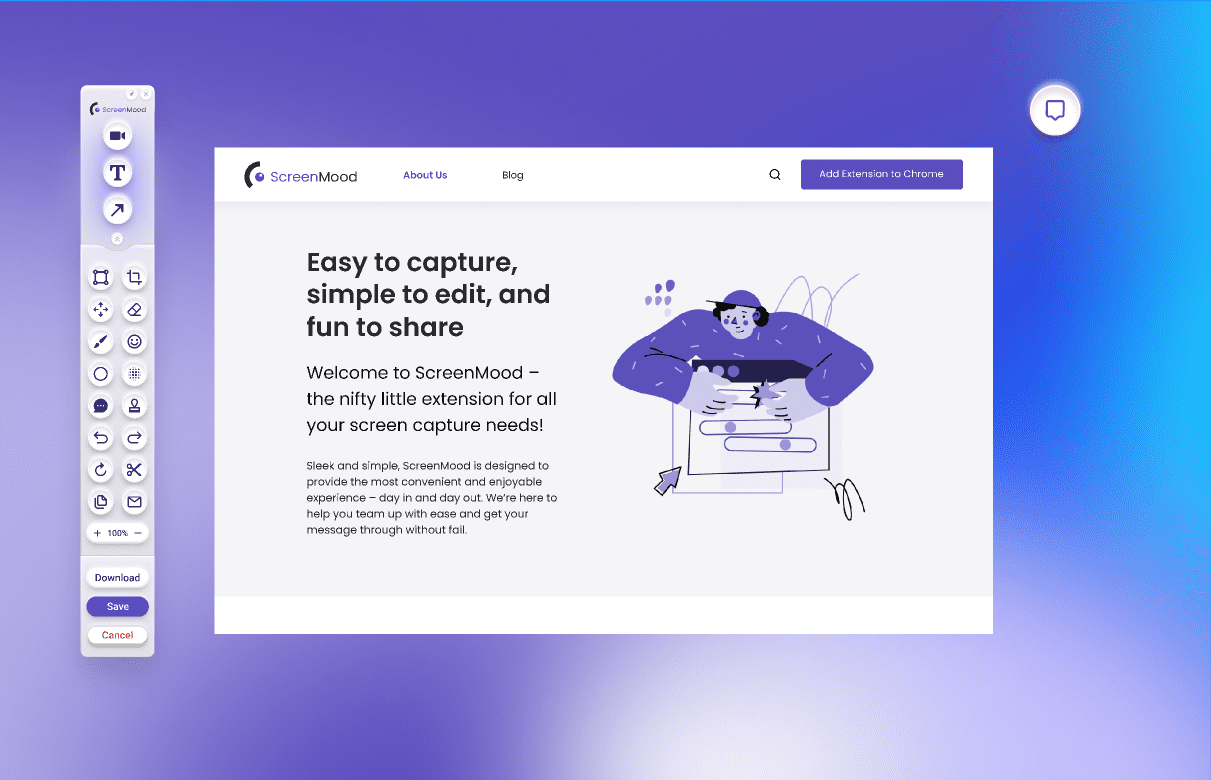
Zaawansowane narzędzia do edycji zrzutów ekranu
Wyposaż użytkowników w kompletny zestaw narzędzi do edycji, w tym opcje kadrowania, adnotacji tekstowych, rysowania, dodawania emoji i wiele innych ciekawych funkcji. Umożliwia to spersonalizowaną i kreatywną edycję zrzutów ekranu.
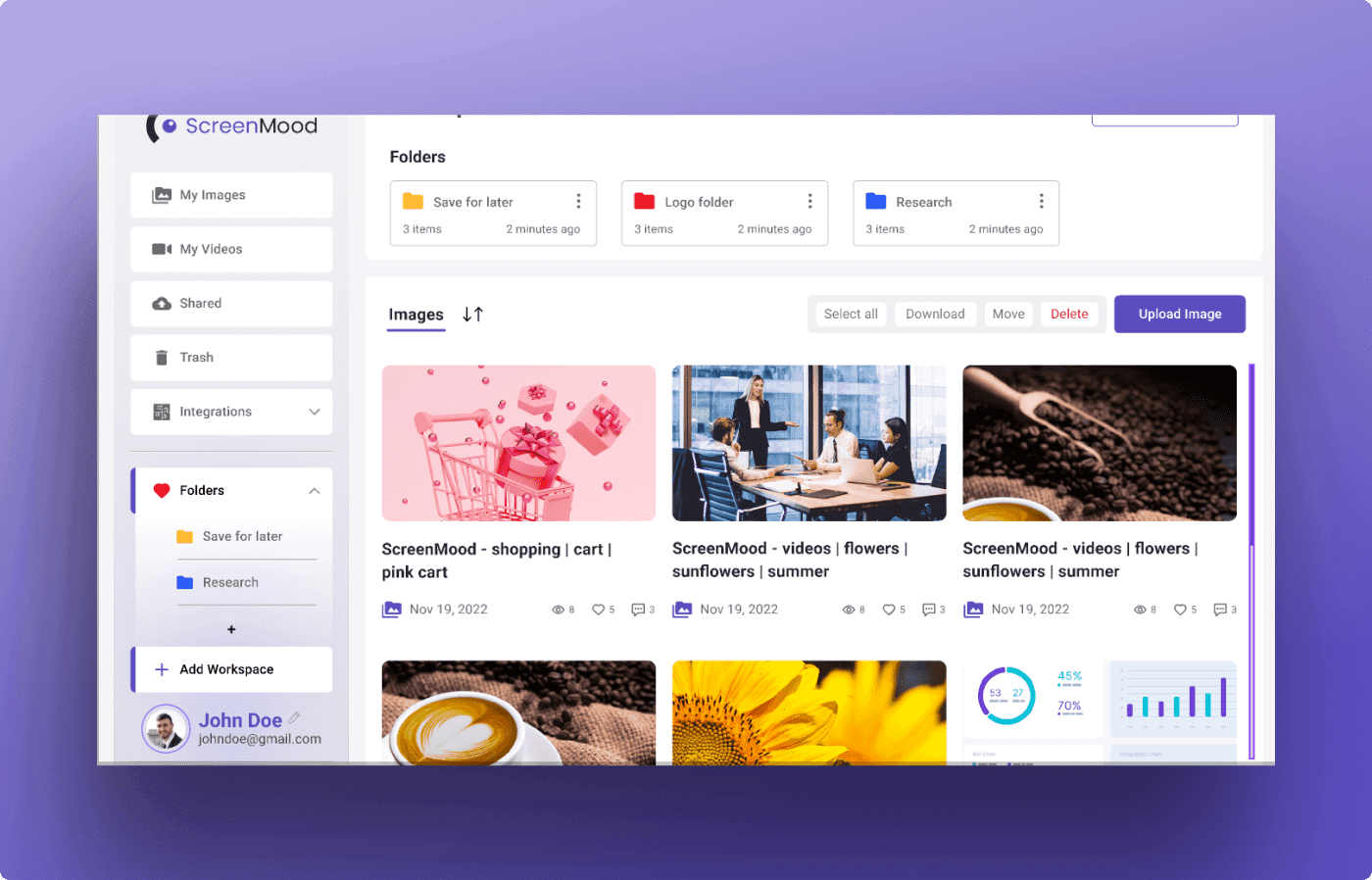
Organizer zrzutów ekranu
Funkcja ta pomaga użytkownikom szybko znaleźć dokładnie ten zrzut ekranu, którego potrzebują, wyszukując po tagach, rodzaju treści lub dacie.
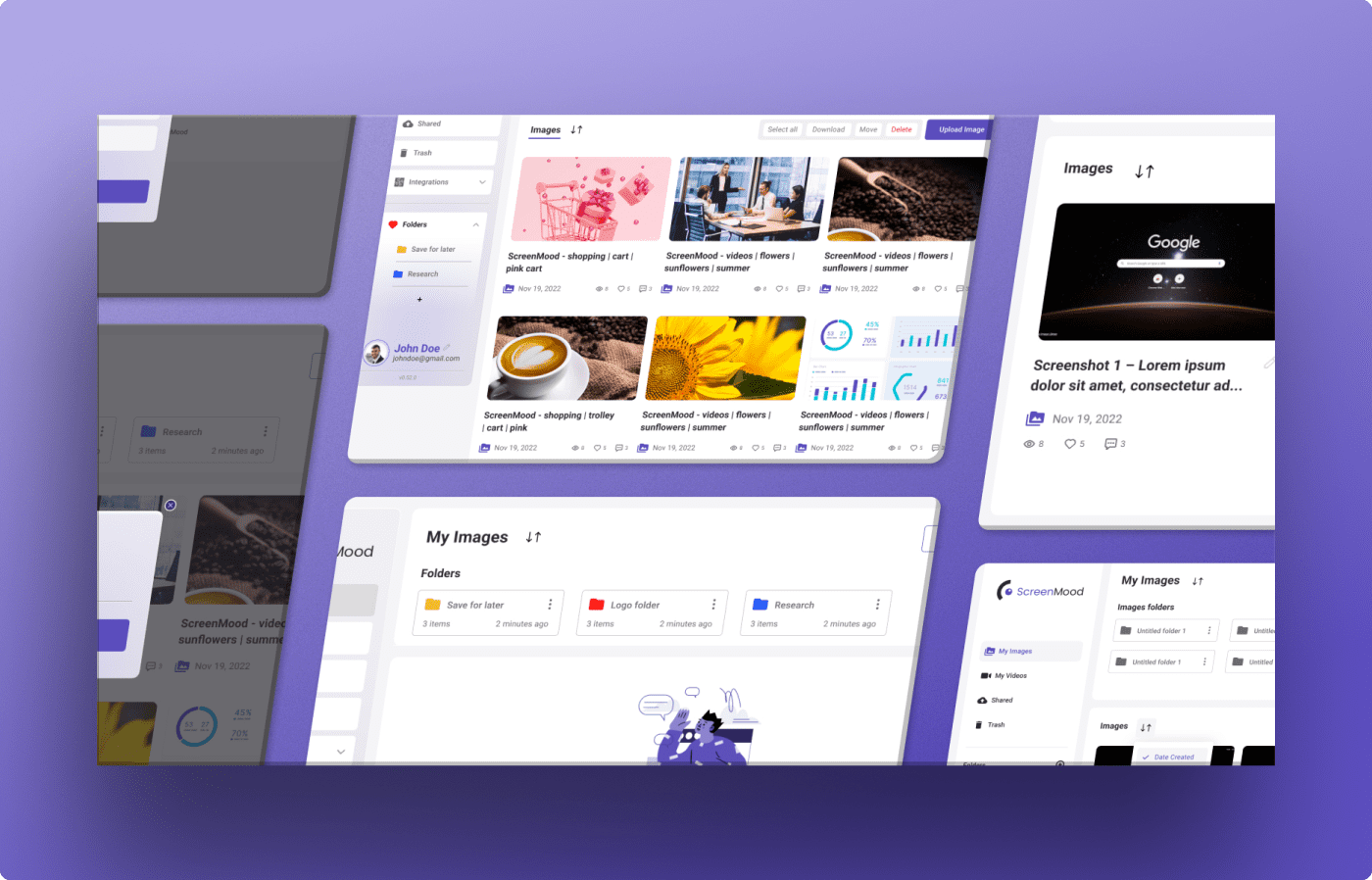
Niestandardowe foldery
Użytkownicy mogą tworzyć własne foldery w aplikacji, aby organizować zrzuty ekranu według projektu, tematu lub innego kryterium osobistego bądź zawodowego. Pomaga to utrzymać porządek i zwiększa produktywność, skracając czas wyszukiwania.
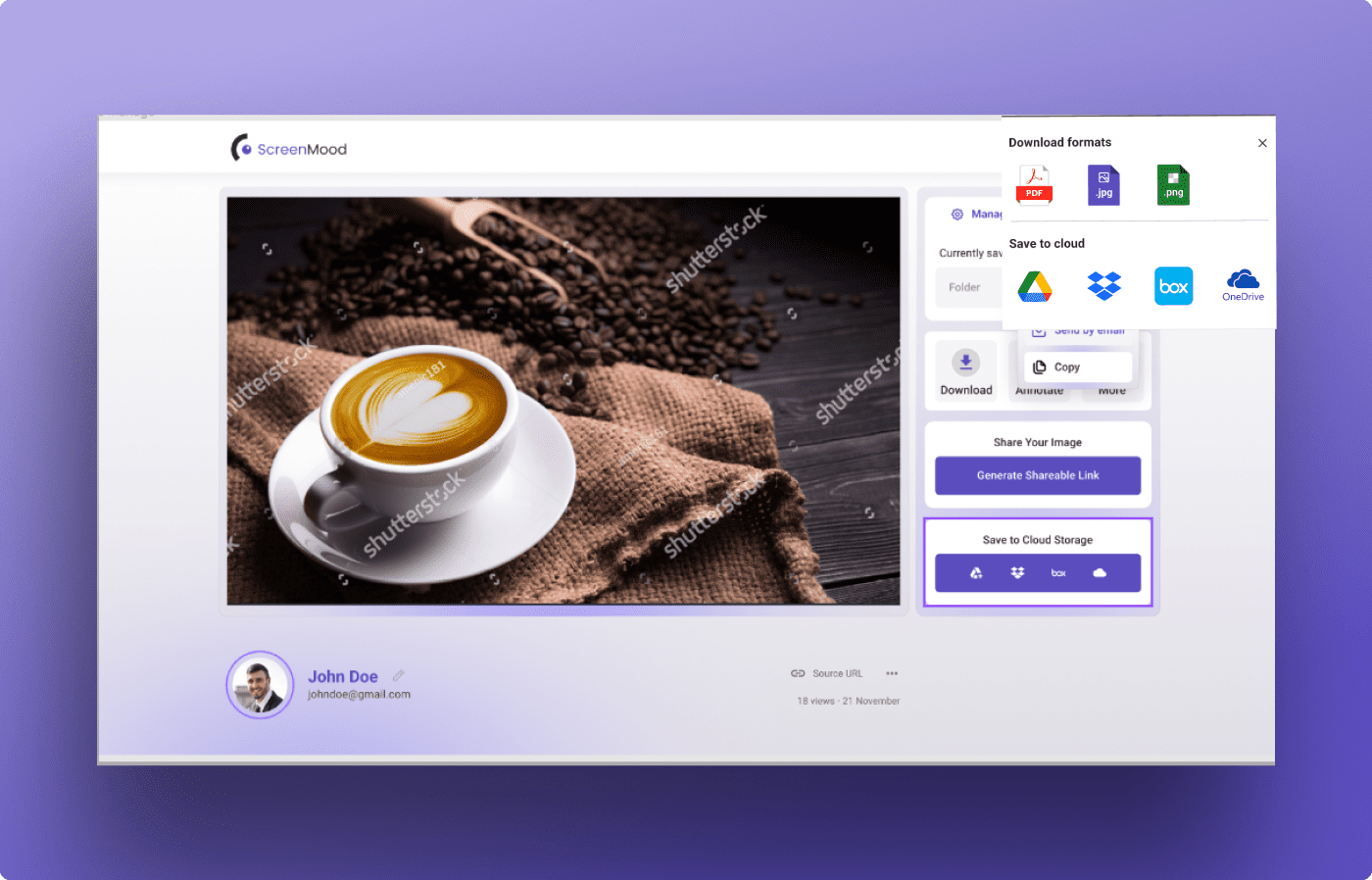
Opcje udostępniania
Zapewnia różnorodne opcje udostępniania, umożliwiające łatwe przekazywanie zrzutów ekranu. Użytkownicy mogą udostępniać edytowane obrazy bezpośrednio poprzez media społecznościowe, e-mail lub za pomocą linków do udostępnienia. Funkcja idealna do współpracy zawodowej.
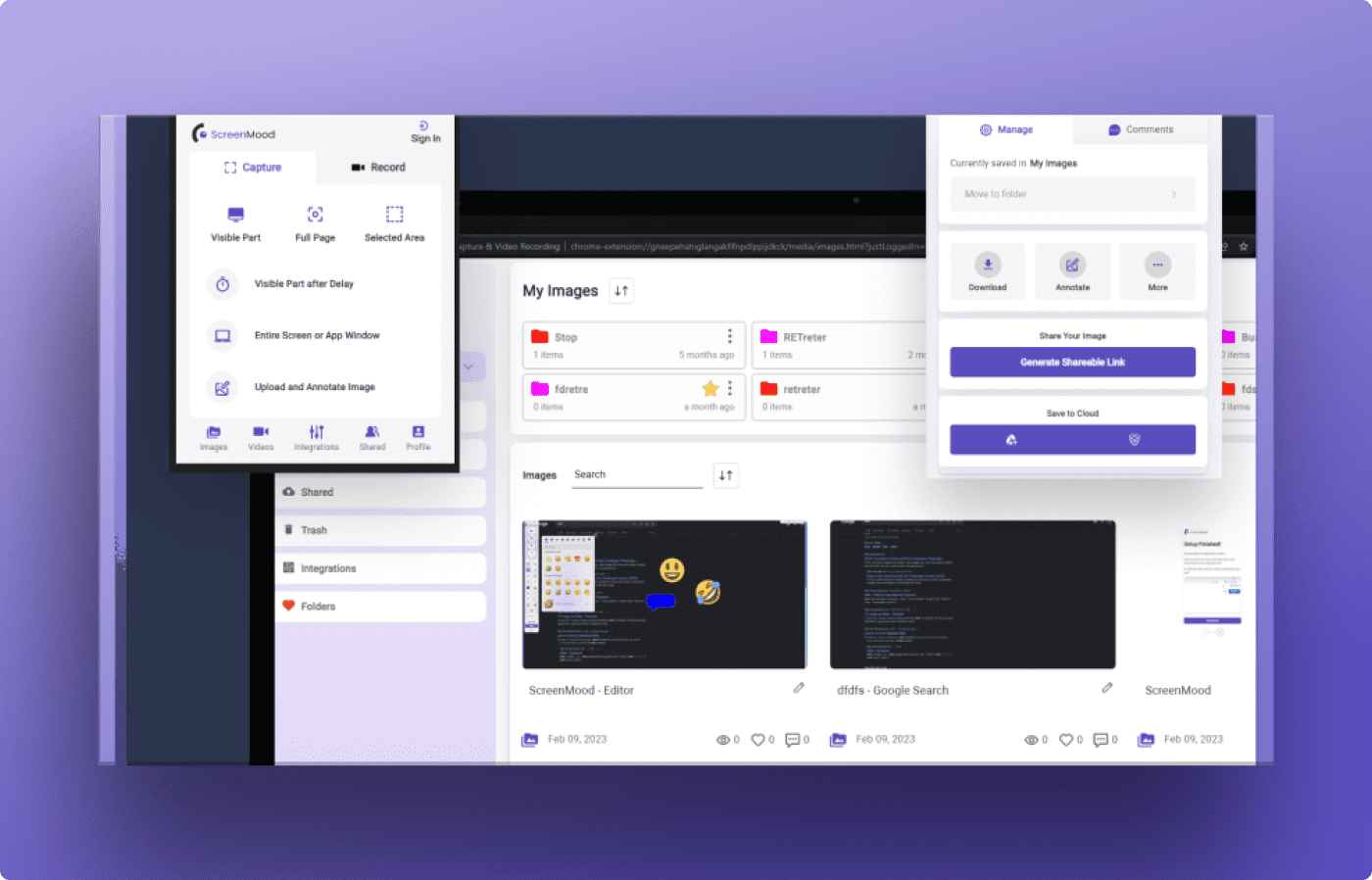
Przestrzenie robocze
Pozwala użytkownikom tworzyć oddzielne przestrzenie robocze w aplikacji, z osobnymi zestawami narzędzi, folderów i ustawień udostępniania. Jest to szczególnie przydatne dla osób zarządzających wieloma projektami lub oddzielających prywatne zrzuty ekranu od zawodowych.
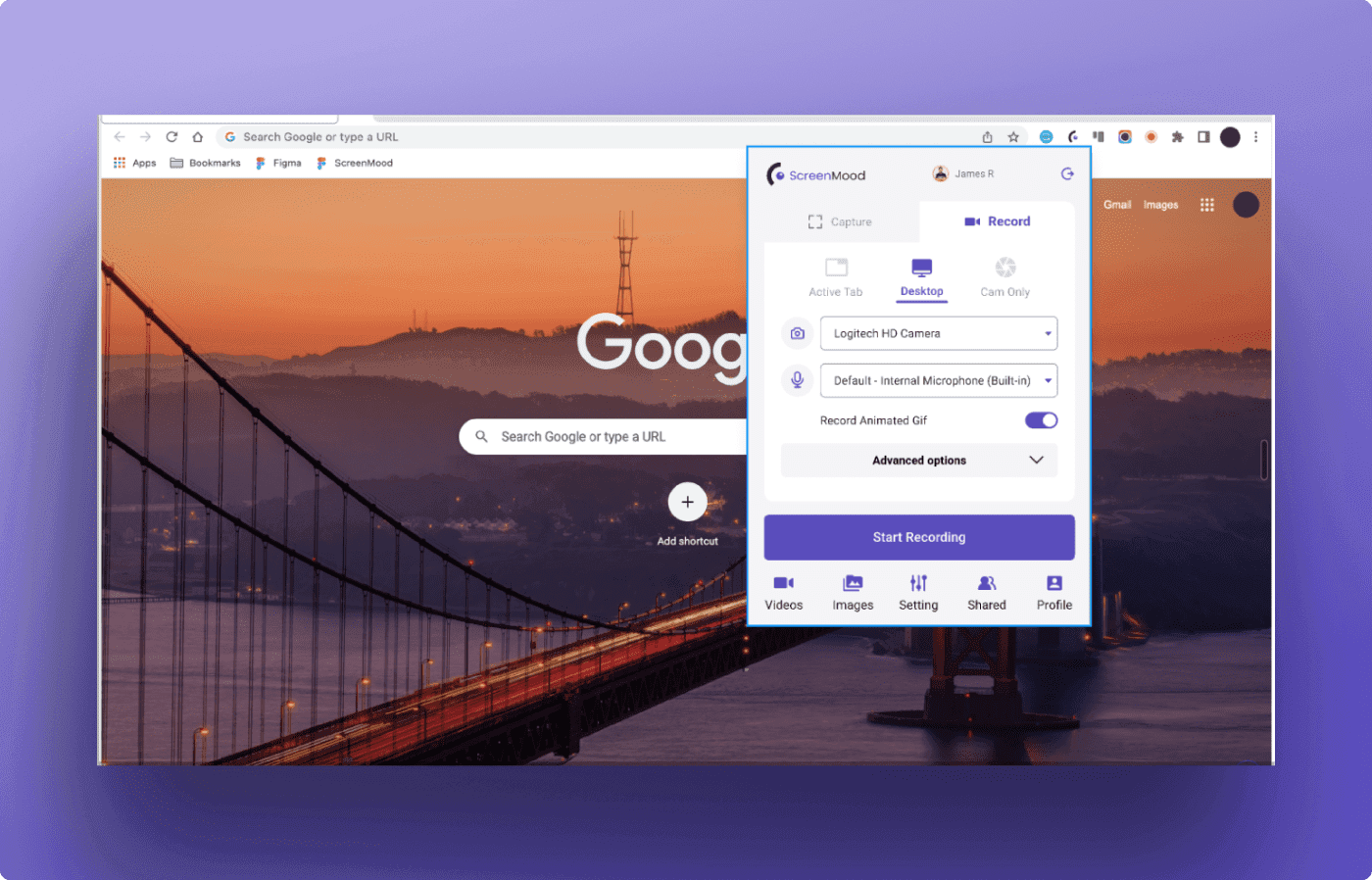
Nagrywanie wideo
ScreenMood rozszerza swoje możliwości poza zrzuty ekranu, dodając funkcję nagrywania wideo. Użytkownicy mogą łatwo nagrywać aktywność ekranu bezpośrednio z poziomu przeglądarki.
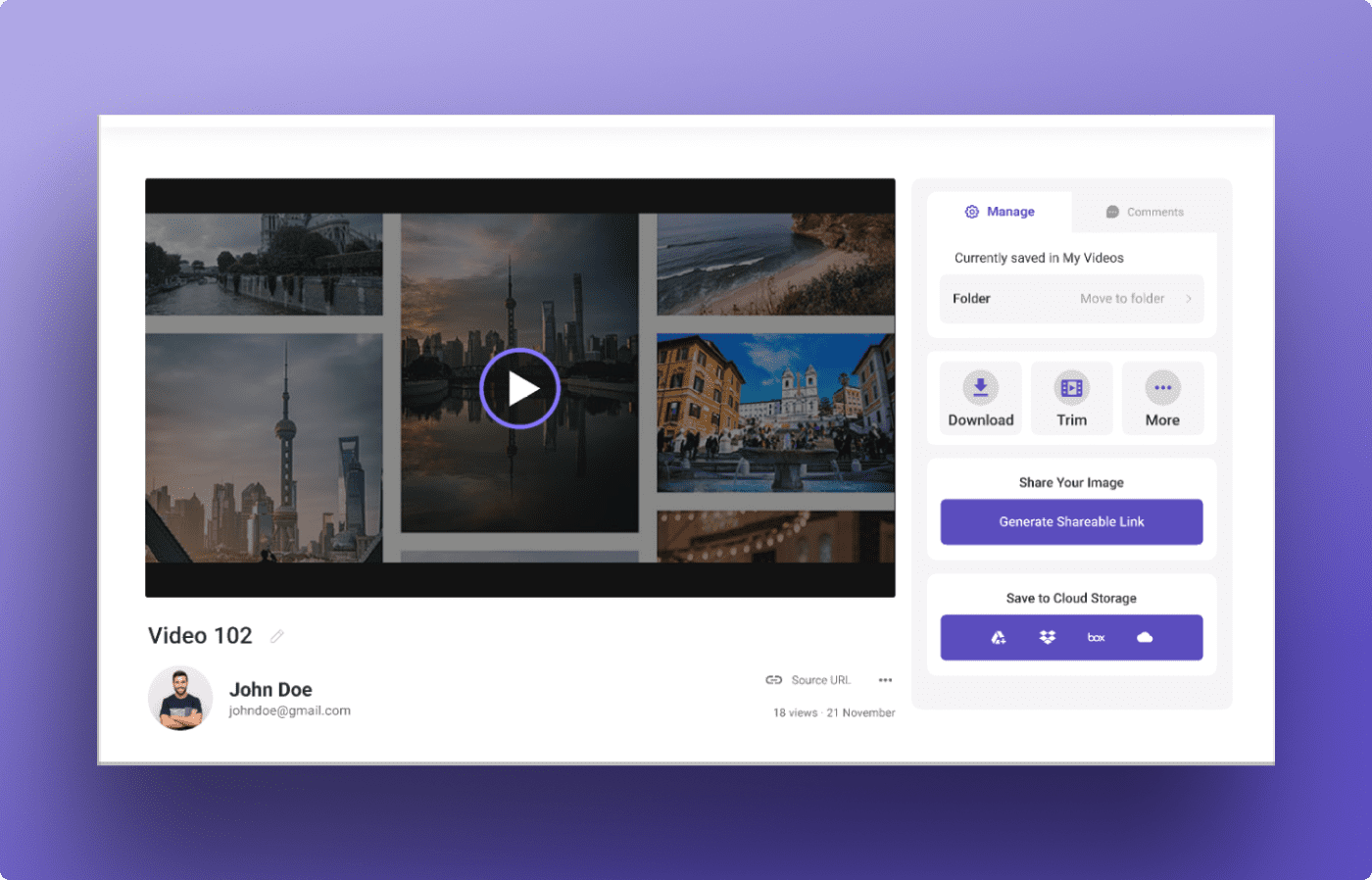
Udostępnianie wideo
Filmy można udostępniać bezpośrednio z ScreenMood na różne platformy, w tym media społecznościowe, serwisy hostingowe wideo lub e-mail.
Design
Research Insights
We conducted extensive research to understand users' needs and preferences when it comes to managing screenshots.
Our findings revealed a growing need for advanced editing and management tools, as well as flexible sharing options, to meet the demands of modern communication. We identified gaps in existing solutions and opportunities for innovation in this area.
These insights guided our design and development process, enabling us to create a highly customizable and user-friendly solution that truly meets the needs of our users.
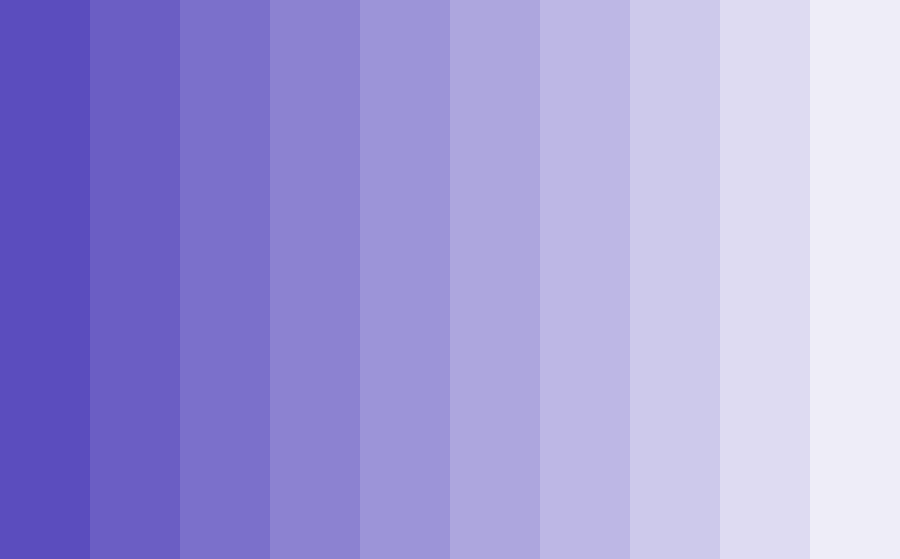
Color
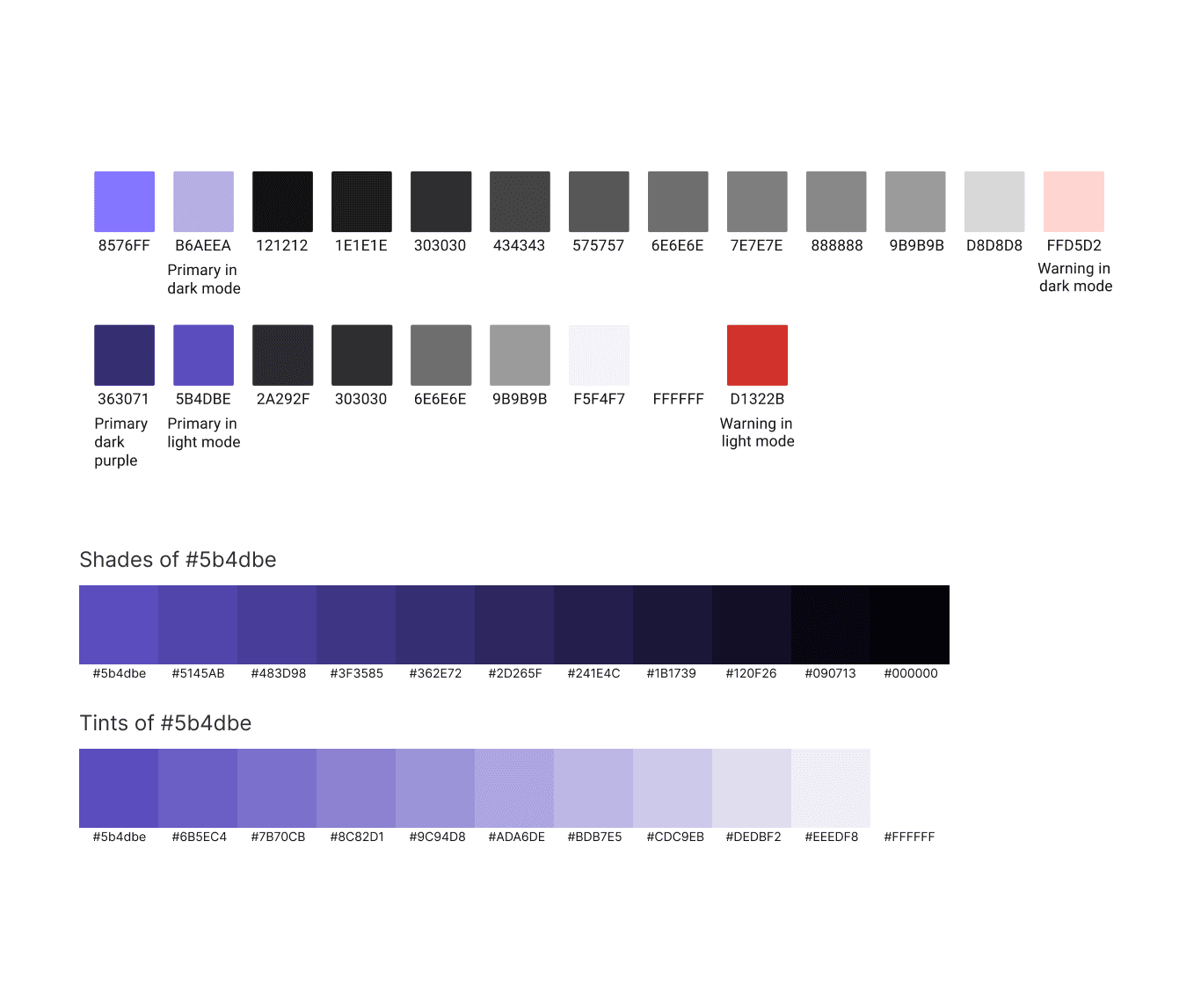
For ScreenMood, we chose the best palettes to reflect our vision of innovation and conviviality. We opted for shades of blue to convey a sense of dynamism and creativity. These colors have been carefully selected to evoke confidence, clarity and efficiency, reinforcing the ScreenMood user experience.
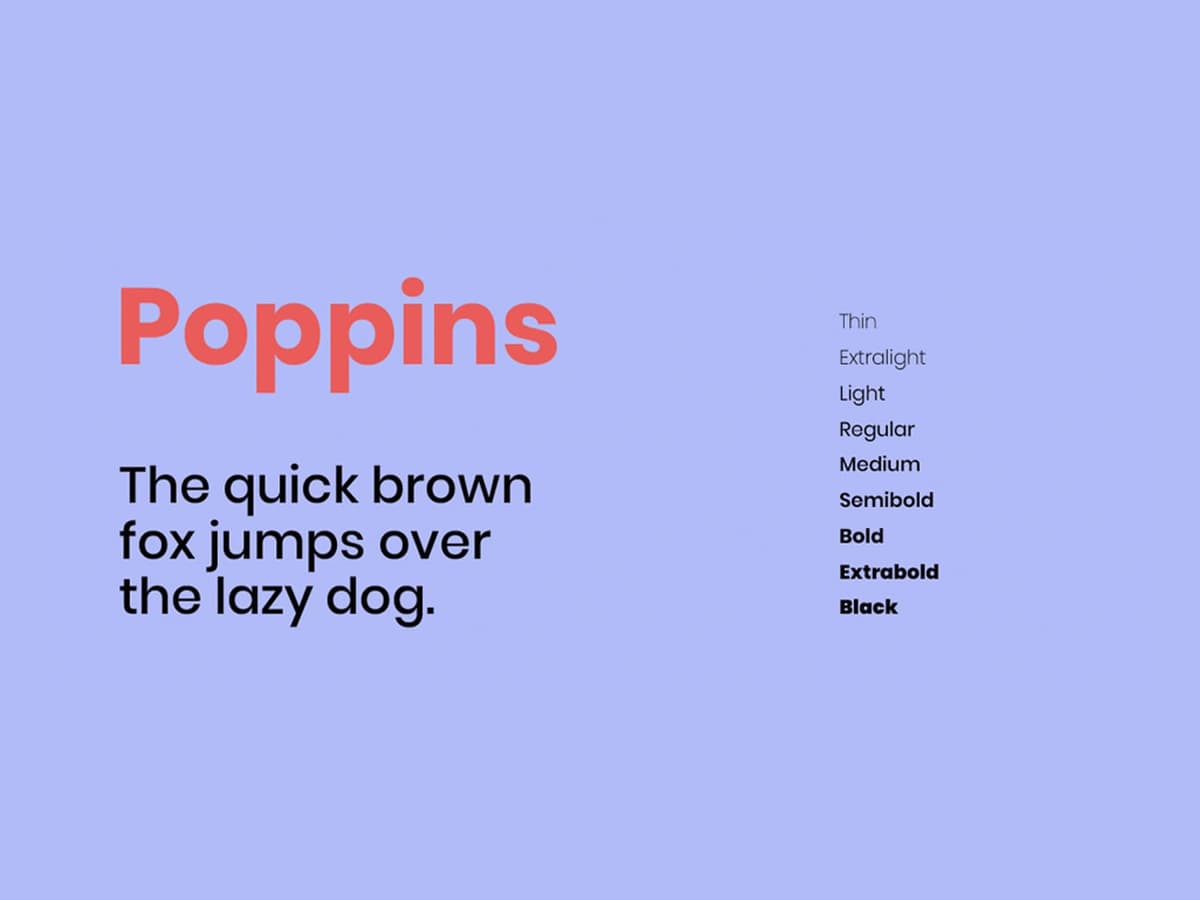
Typography & Spacing
We chose Poppins for its perfect balance between modernity and legibility. Its clean lines and variety of weights make it easy to read, while its contemporary feel adds a touch of sophistication to the user interface. In terms of spacing, we used generous margins and appropriate line spacing to ensure a clear, airy presentation of the content.
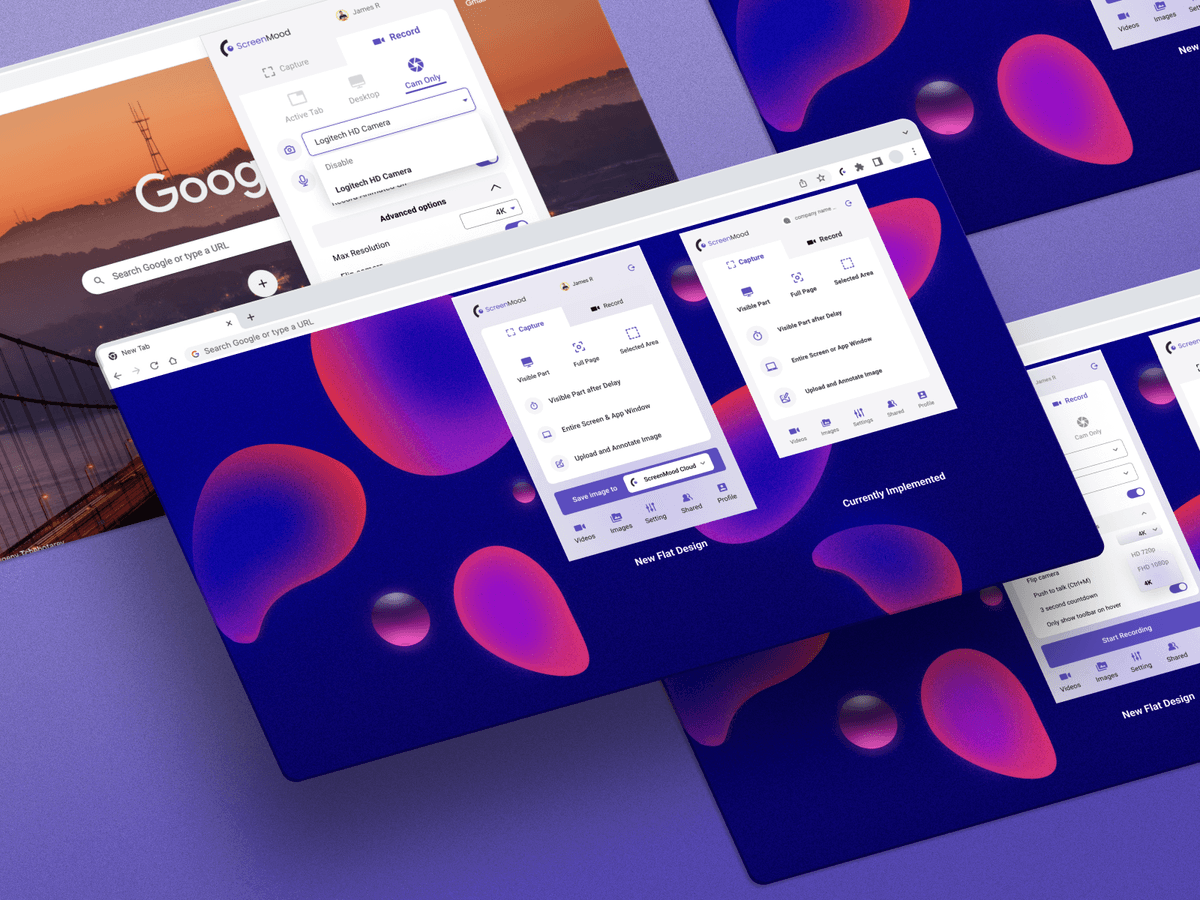
Image Choose
We chose captivating and expressive visuals to illustrate the usefulness and user-friendliness of our solution. From dynamic screenshots to evocative illustrations, each image effectively communicates the features and benefits of ScreenMood.
Storyboard
ScreenMood's storyboard is the result of our design and development teams working closely together.
Each element has been carefully planned to show how our application guides users through their screenshots in an intuitive way. From initial sketches to detailed scenarios, every aspect of the storyboard illustrates how ScreenMood enables users to capture
Thanks to this iterative approach and detailed staging of interactions, we were able to anticipate users' needs and optimize their journey through the application. The storyboard clearly shows how ScreenMood simplifies the management of screenshots while

Conclusion:
ScreenMood's user flow is designed to provide a fluid and intuitive user experience at every stage of interaction.
Our team has developed a user flow that simplifies the management of screenshots in an efficient and transparent way, guided by an in-depth analysis of user needs.
Every step of the process, from initial capture to customization and sharing, has been carefully considered, ensuring effortless navigation and a clear understanding of all the features ScreenMood has to offer.
Our well-thought-out user flow allows users to take full advantage of the application's capabilities, ensuring an optimal user experience at every interaction.

UX Research Plan
ScreenMood's UX research plan is the result of careful development to ensure a thorough understanding of user needs and preferences.
We adopted a methodical approach combining different research methods such as user interviews, usability testing and competitive analysis. Our aim was to gather valuable insights to guide the development of the application and ensure an exceptional user e
By actively involving users at every stage of the process, we were able to identify the strengths and weaknesses of the user interface, as well as opportunities for improvement.
ScreenMood's UX research plan was a crucial element of our user-centered approach. It enabled us to create an application that truly meets the needs and expectations of our target audience.

Fidelity Concepts
ScreenMood's fidelity concepts have been developed to reflect different stages in the design process, moving from low fidelity to high fidelity.
Each concept has been designed to explore and refine the key functionality of the application, while providing an increasingly detailed visual representation of the user interface.
1. Low Fidelity
In the low fidelity phase, we rapidly developed the basic ideas and main functionalities of ScreenMood through quick sketches and simple wireframes.
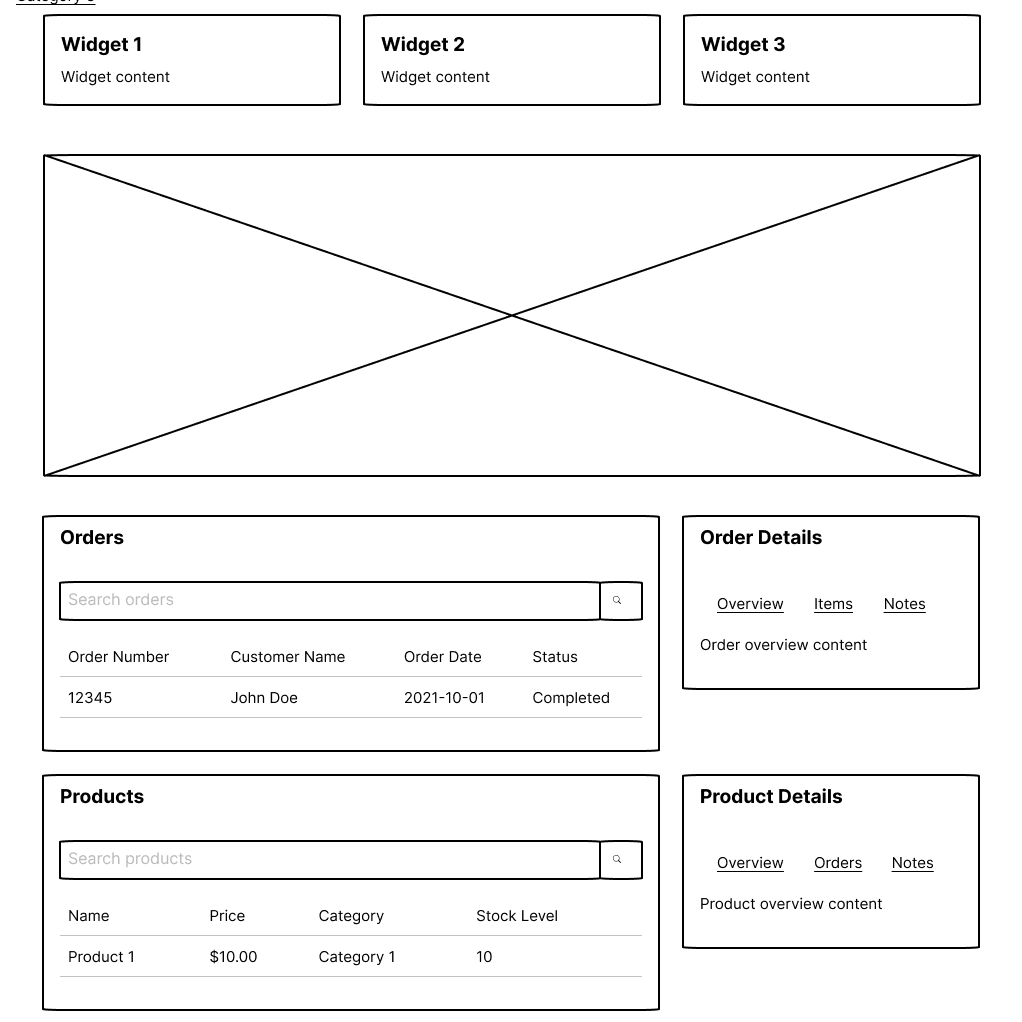
2. Medium Fidelity
As we moved into the medium fidelity phase, we refined the wireframes and added more detail to the user interfaces. We knew the main functionalities were coming together, and we were able to adjust our design accordingly.
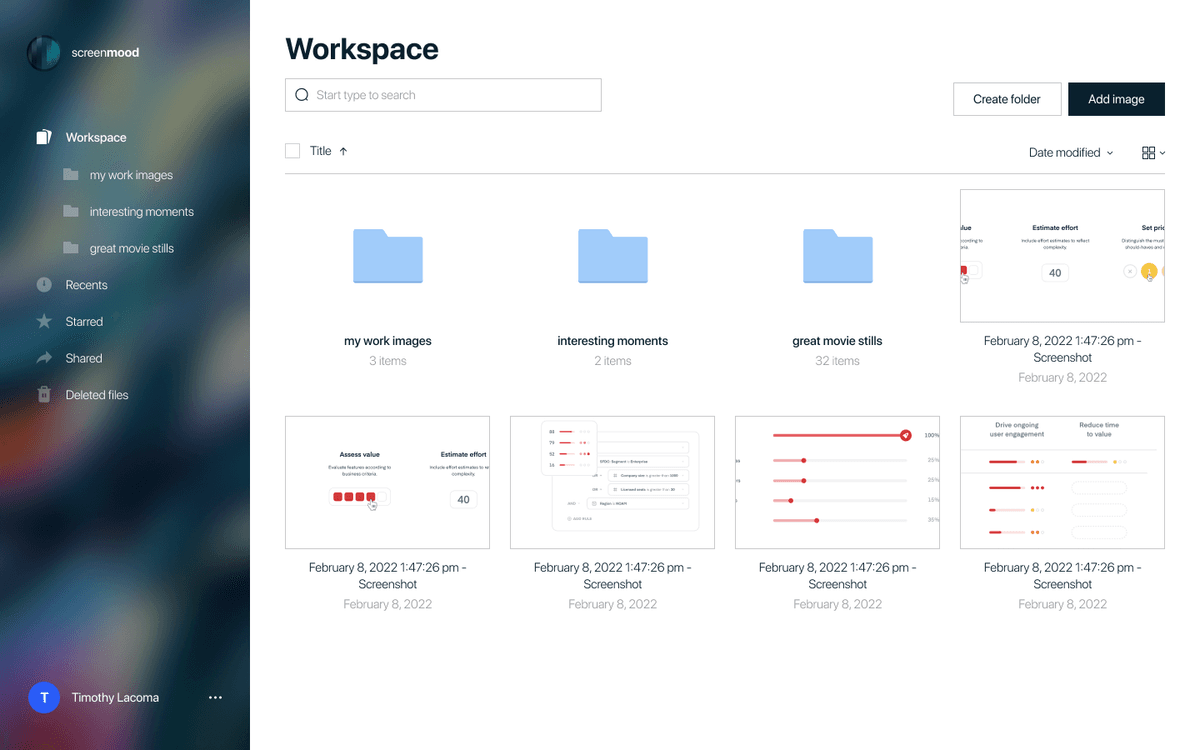
3. High Fidelity
Finally, in the high fidelity phase, we completed the final design touches to bring the ScreenMood user interface to life. We selected colors, typography and visual details to create an immersive and engaging user experience, reflecting our commitment to innovation and user-friendliness
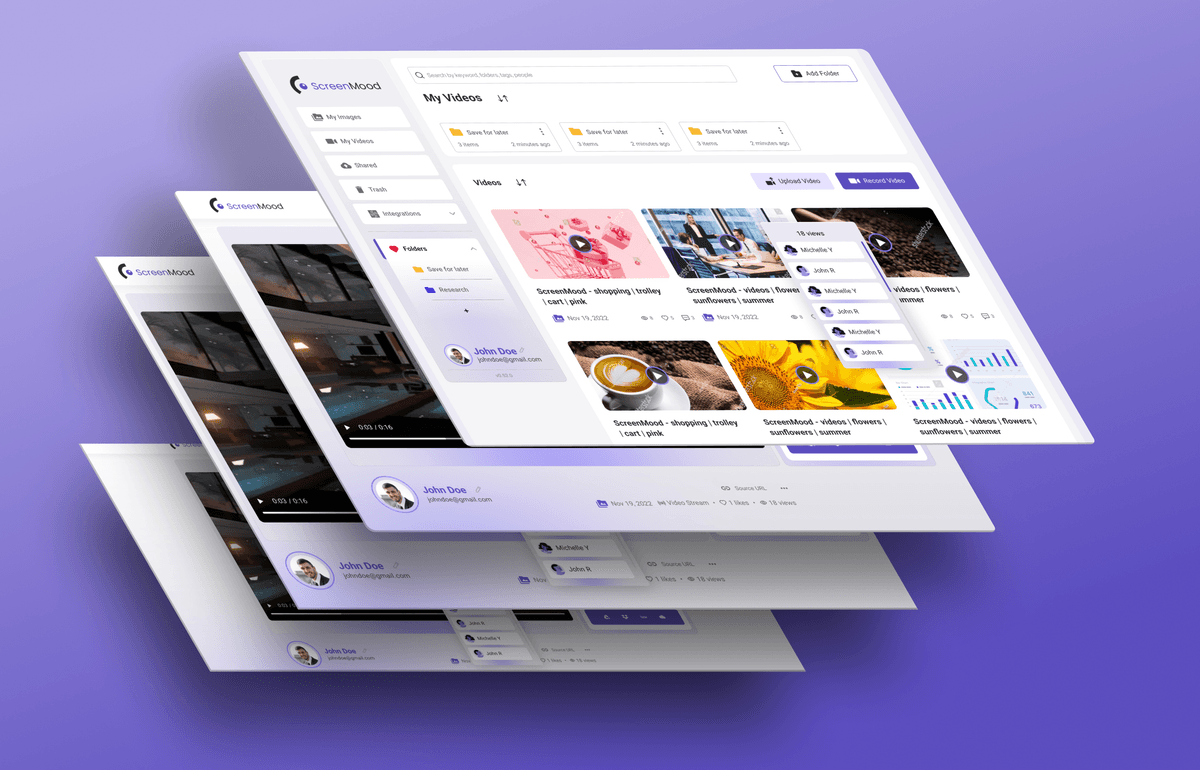
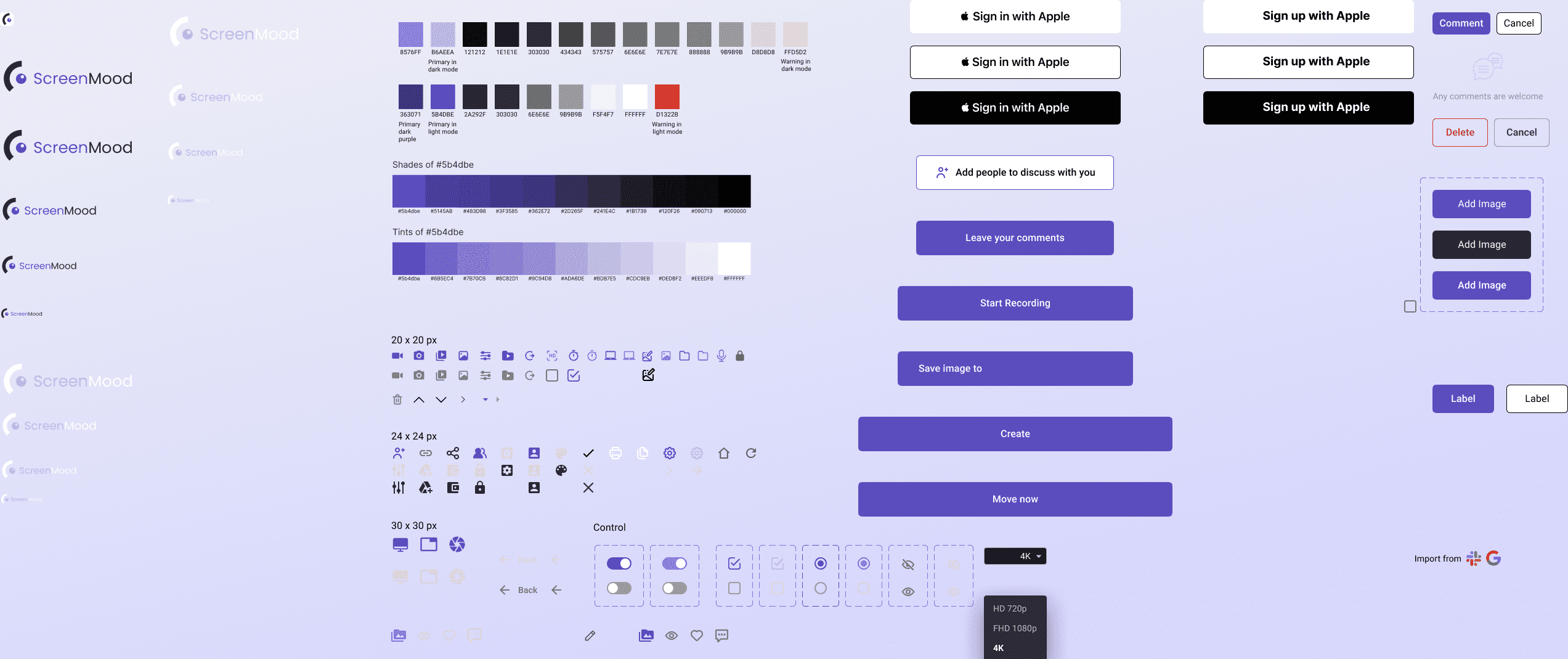
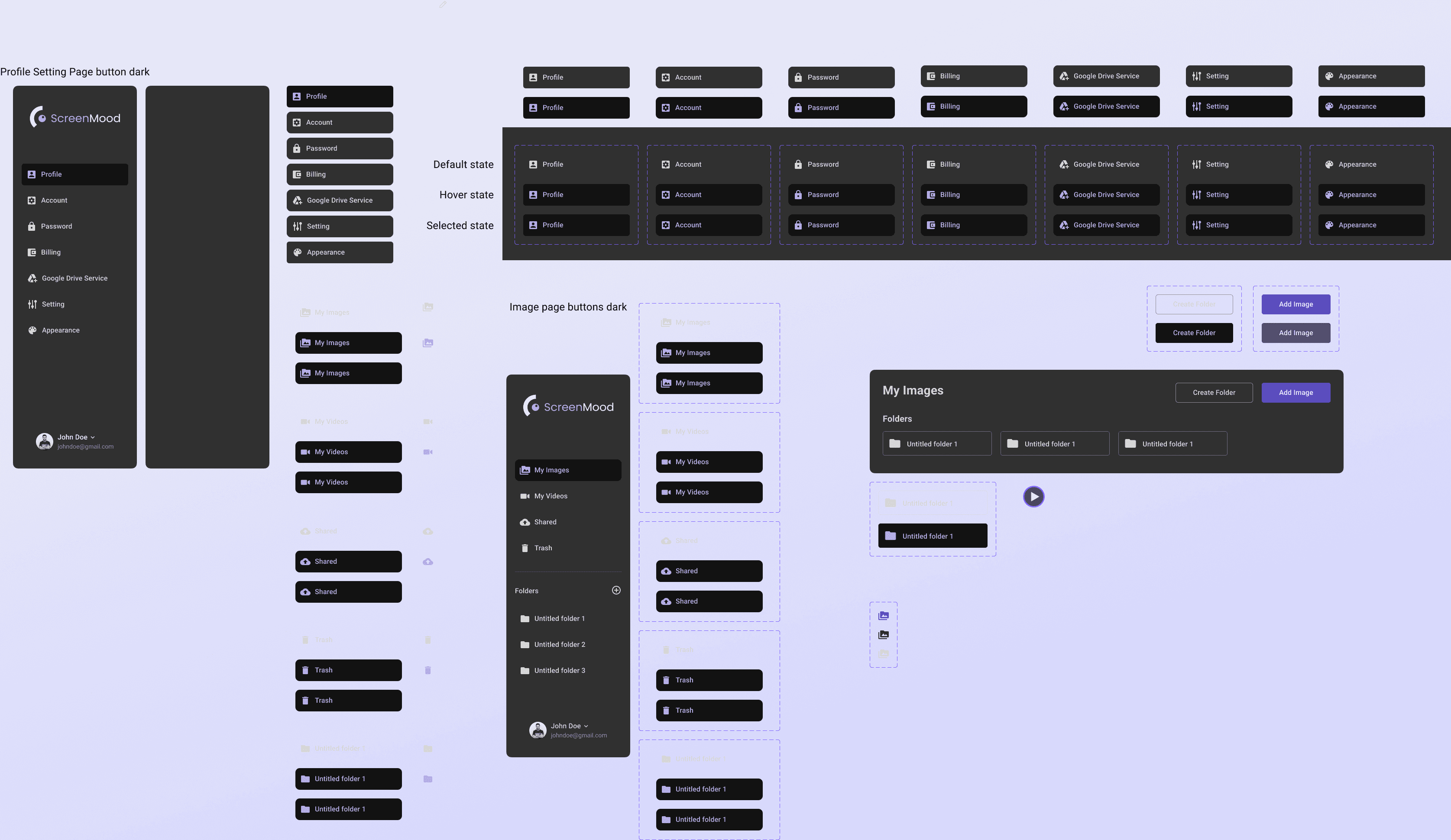
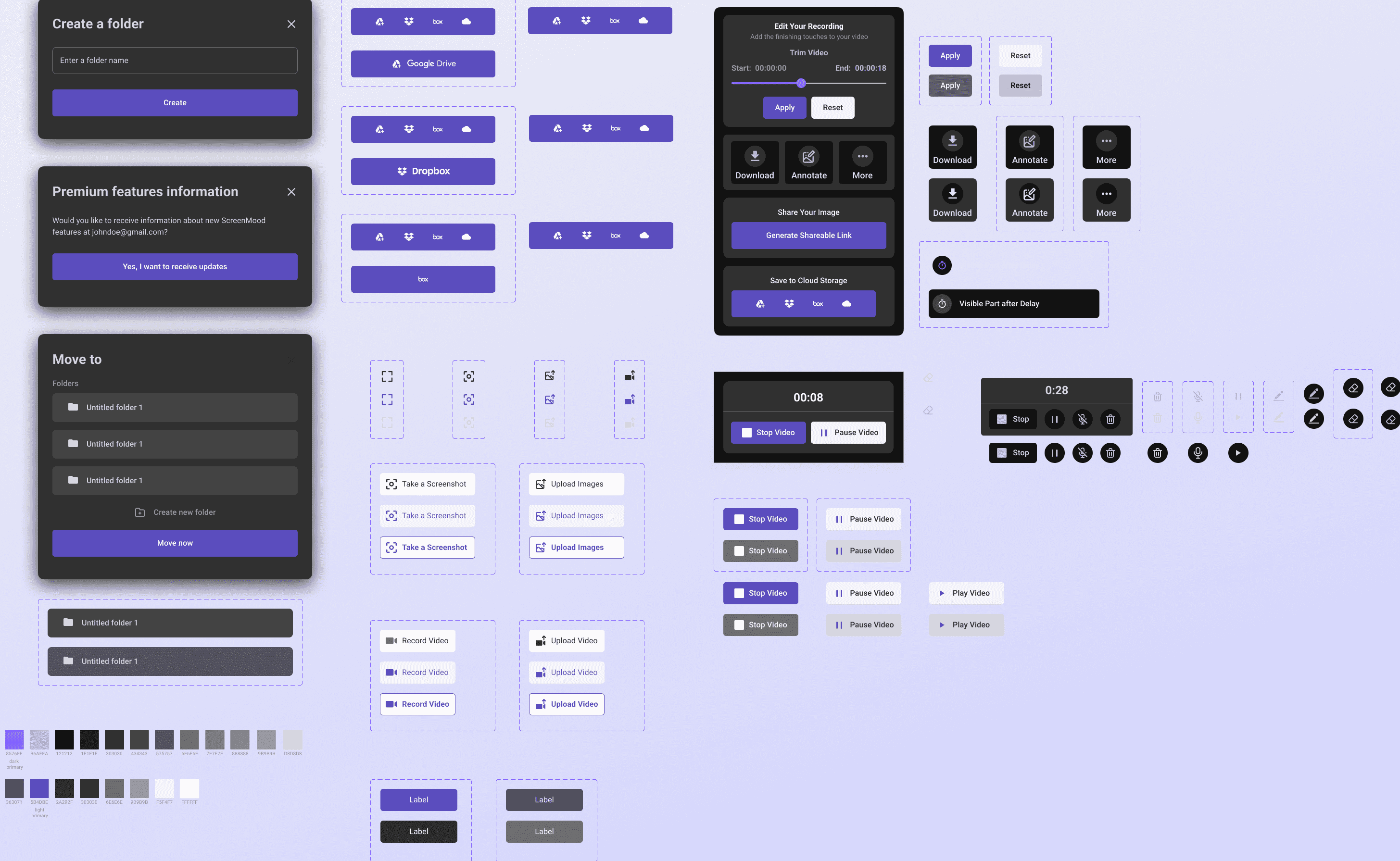
Design System and Style
ScreenMood's design system and style are the result of careful development to ensure a consistent and attractive user experience.
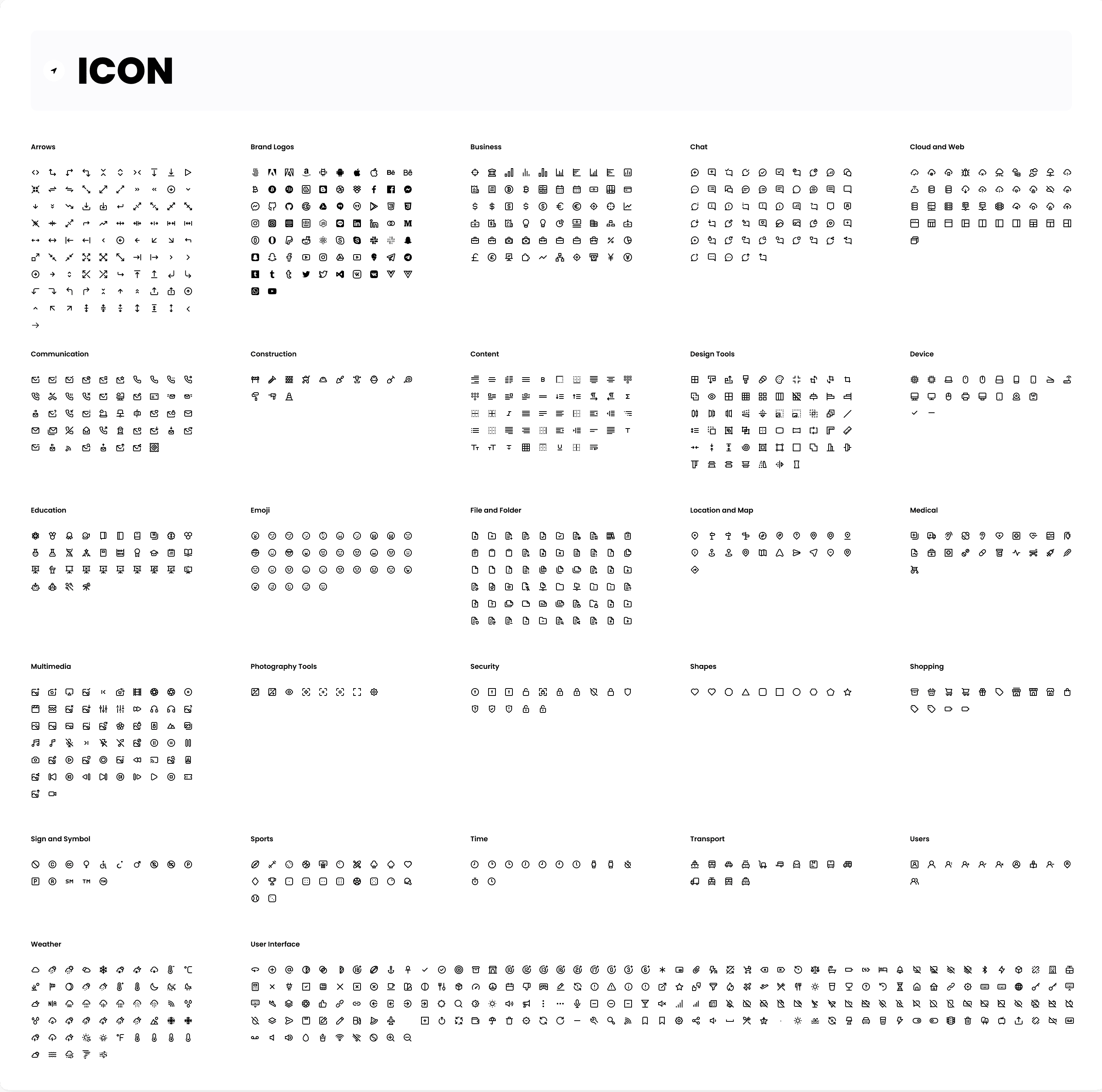
We've developed a modular design system that allows for easy customization and effortless scalability. Using a vibrant color palette and modern typography such as Poppins, we have created a visual aesthetic that reflects the innovation and user-friendline
Every element of the user interface, from the buttons and icons to the layouts, has been designed to provide an intuitive and enjoyable user experience.
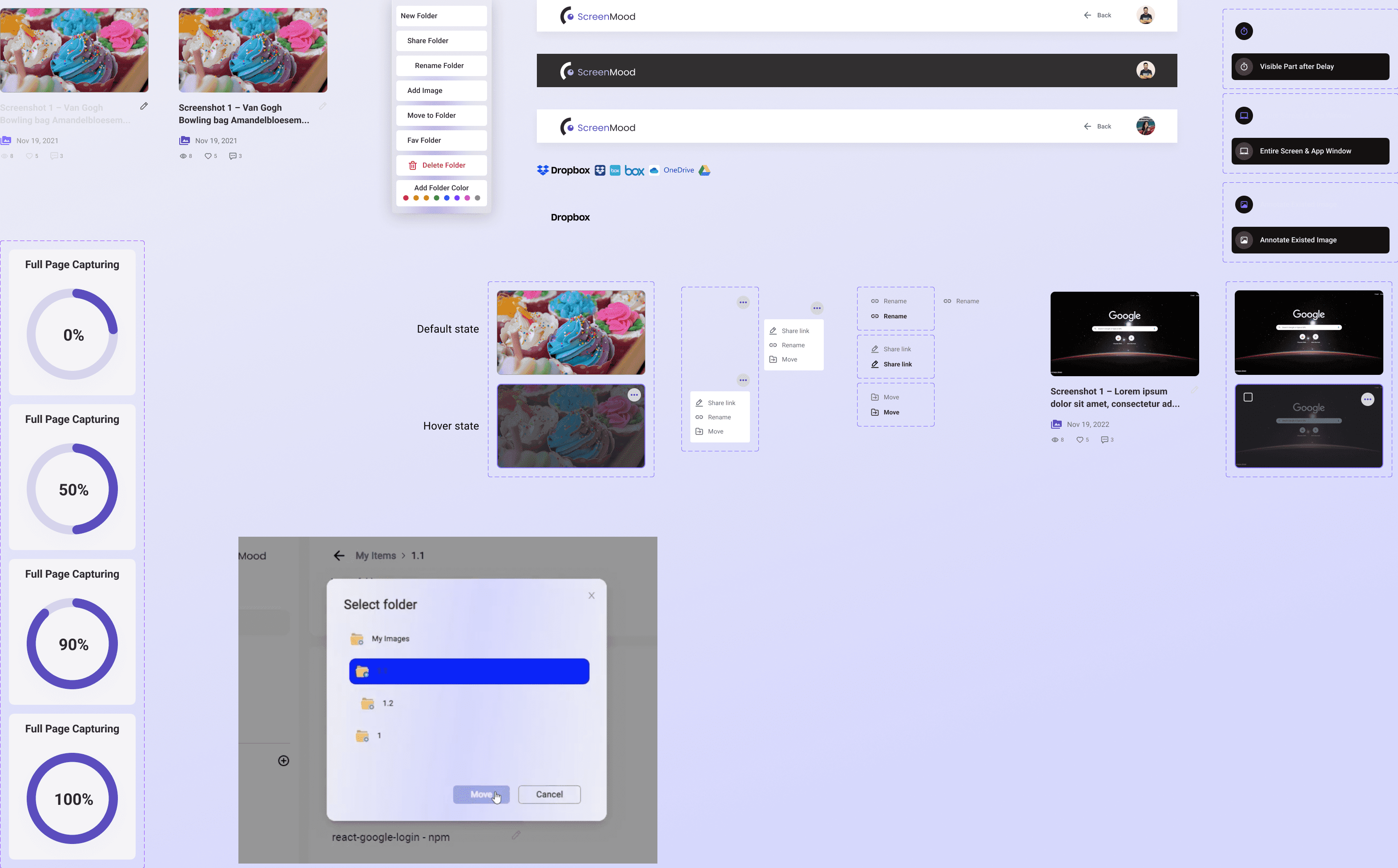
Demos And Pages
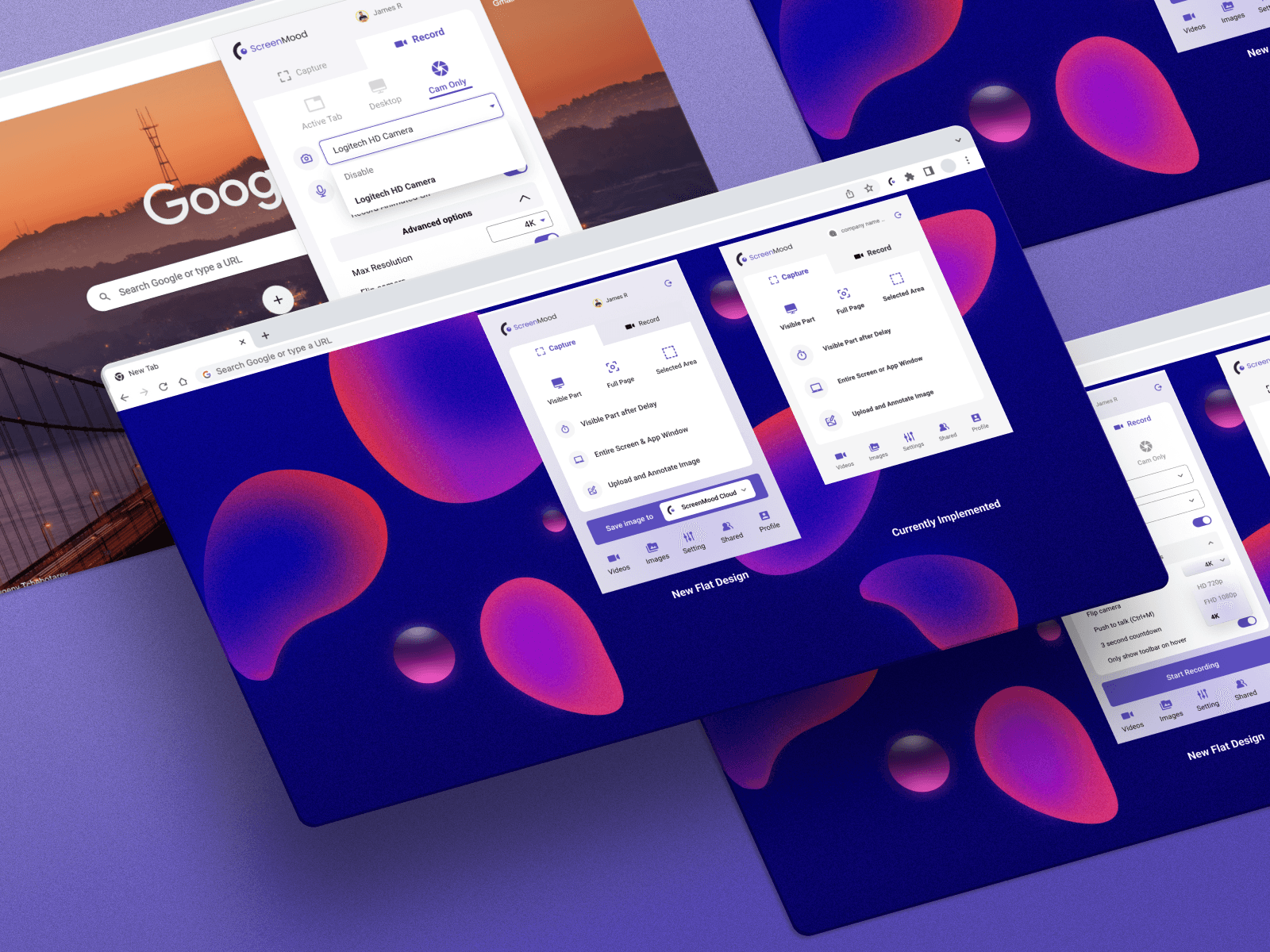
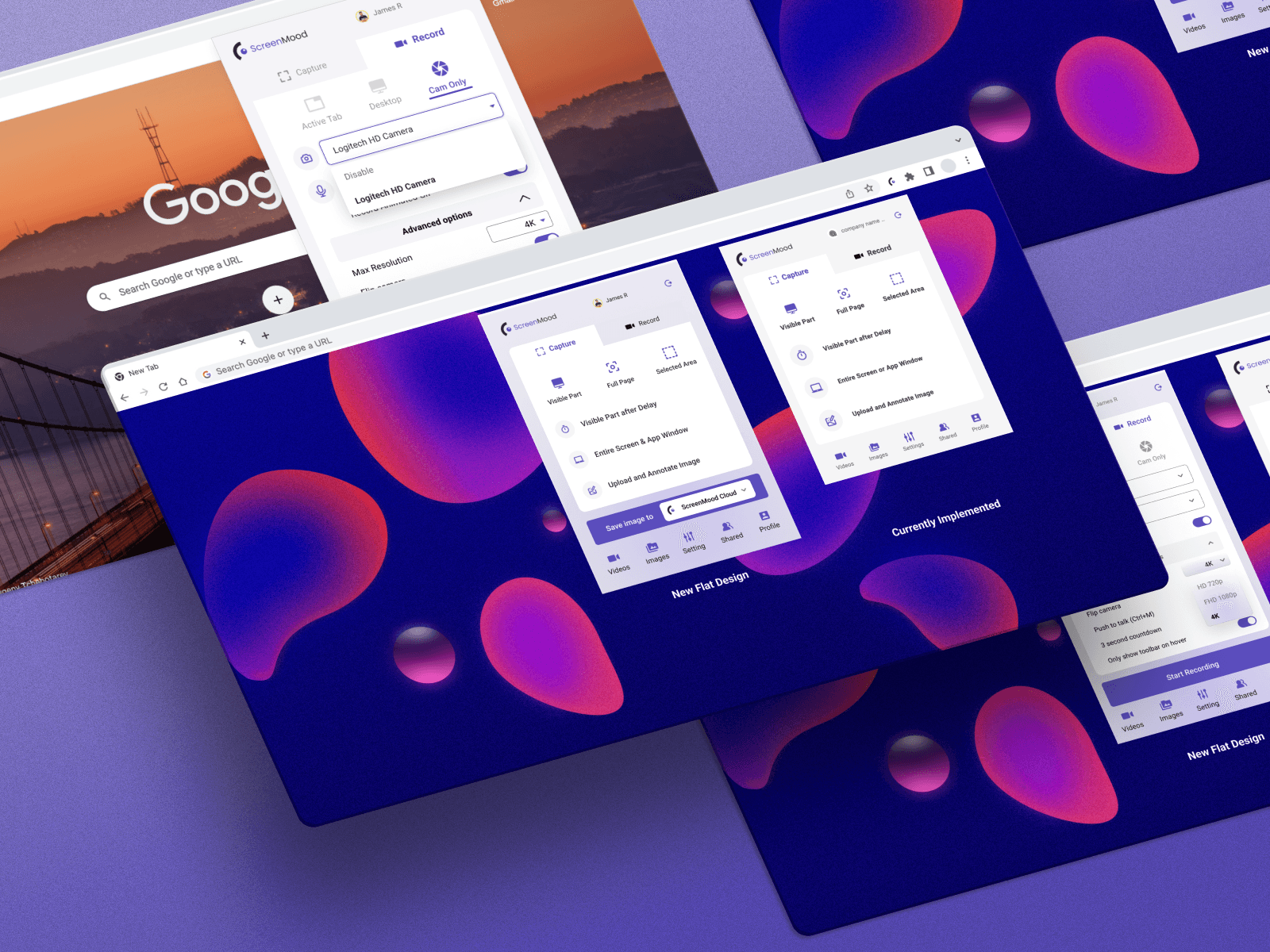
Extension Panel & Main panel
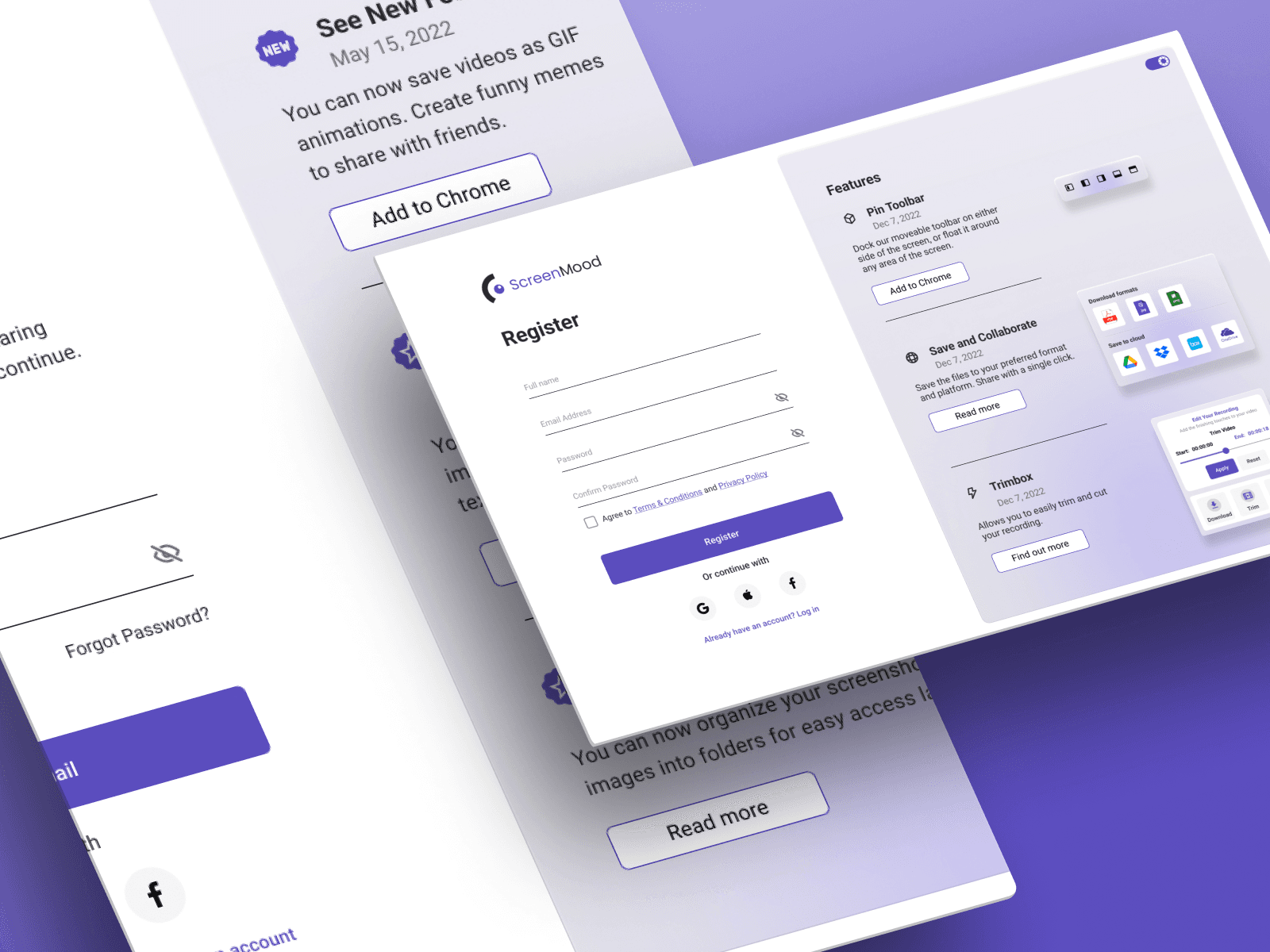
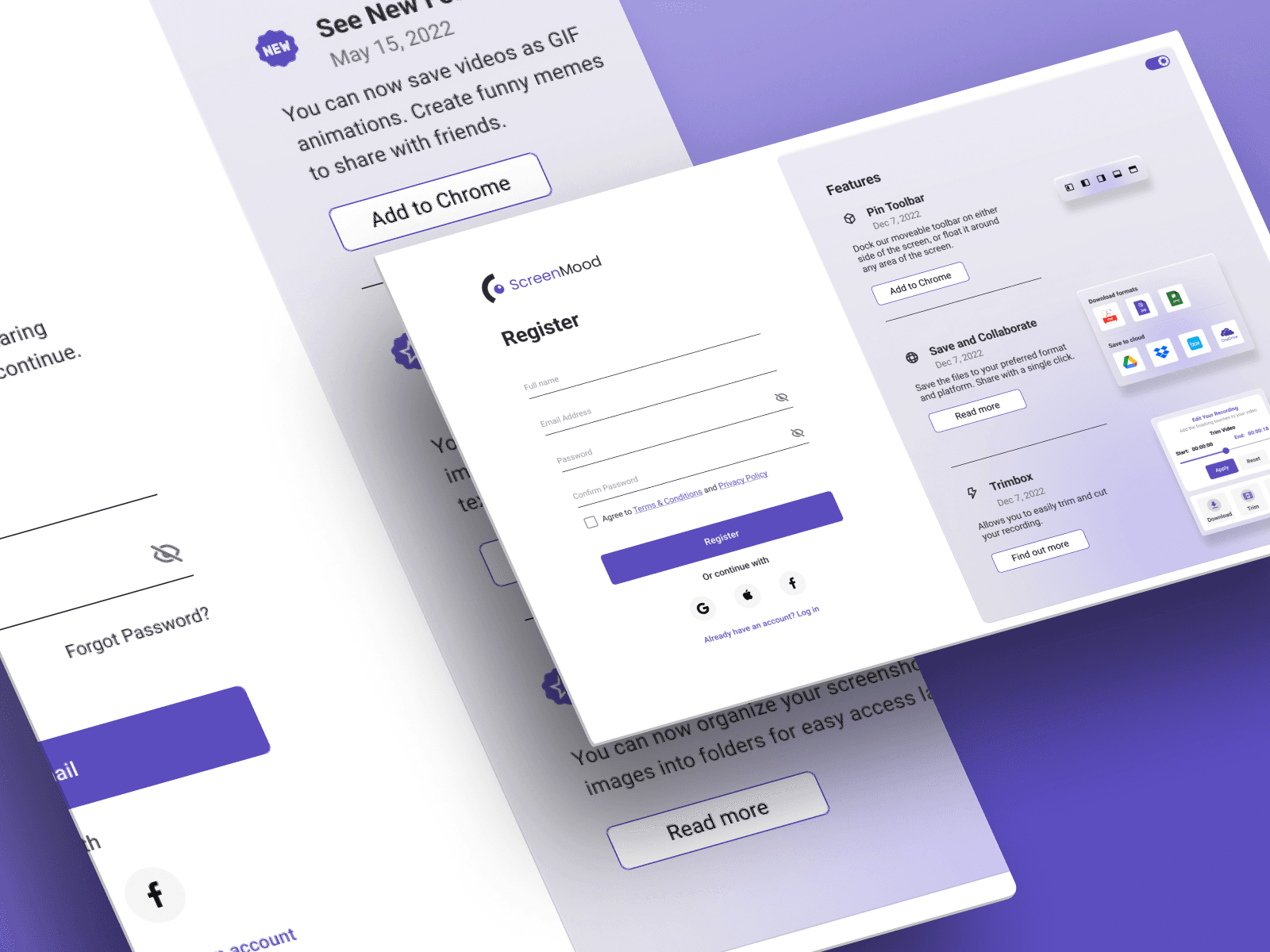
Authentification
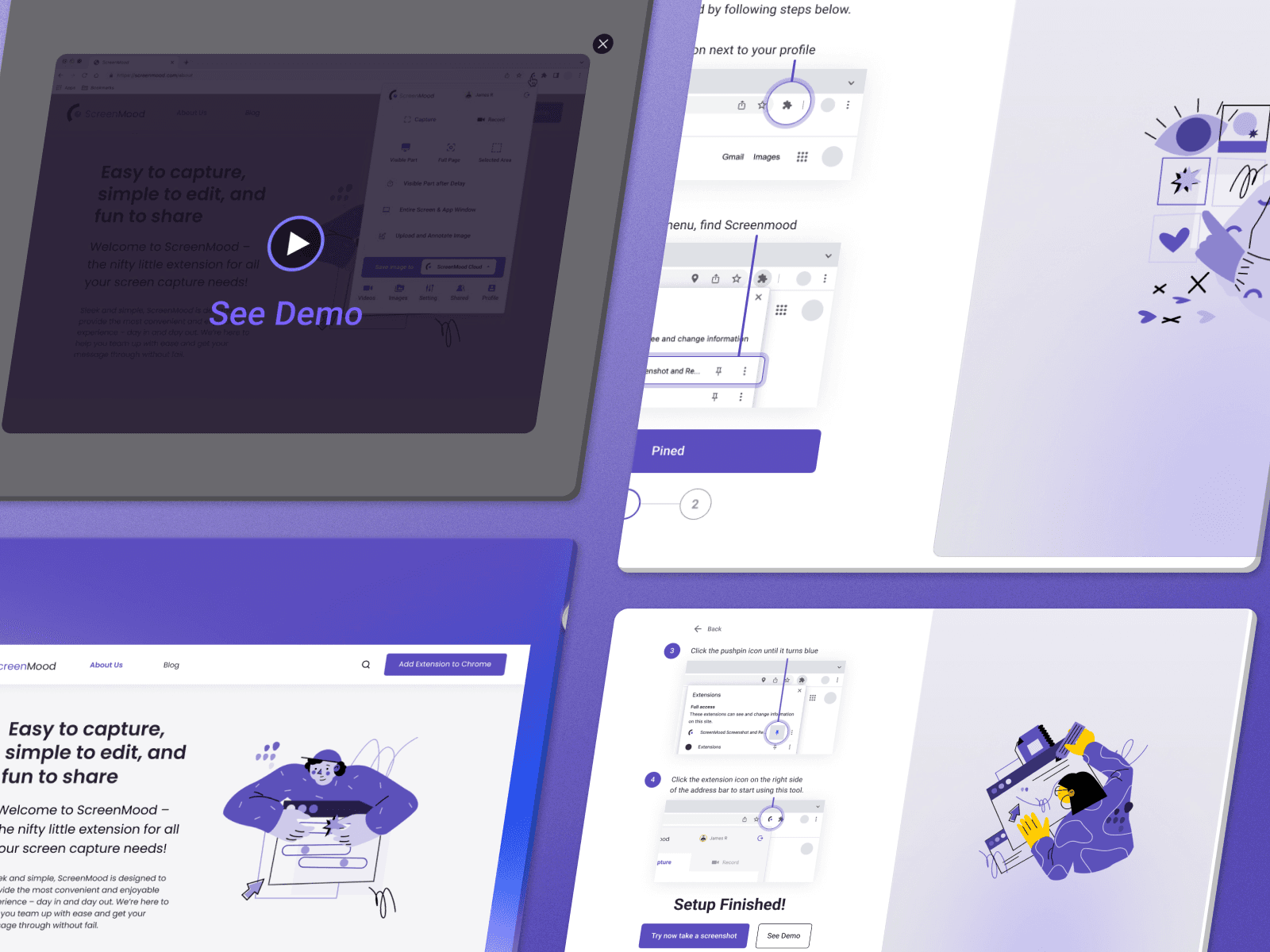
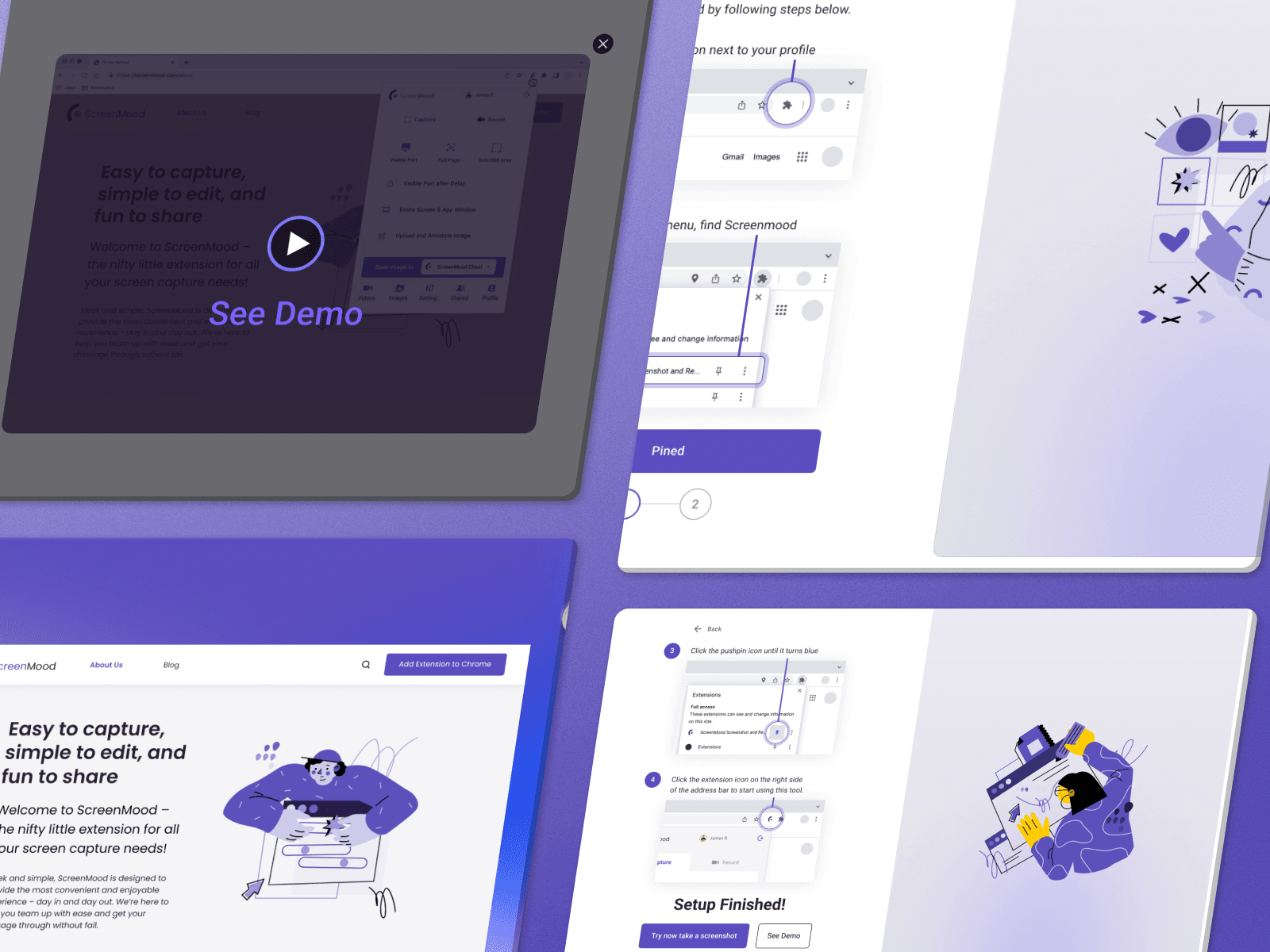
Onboarding
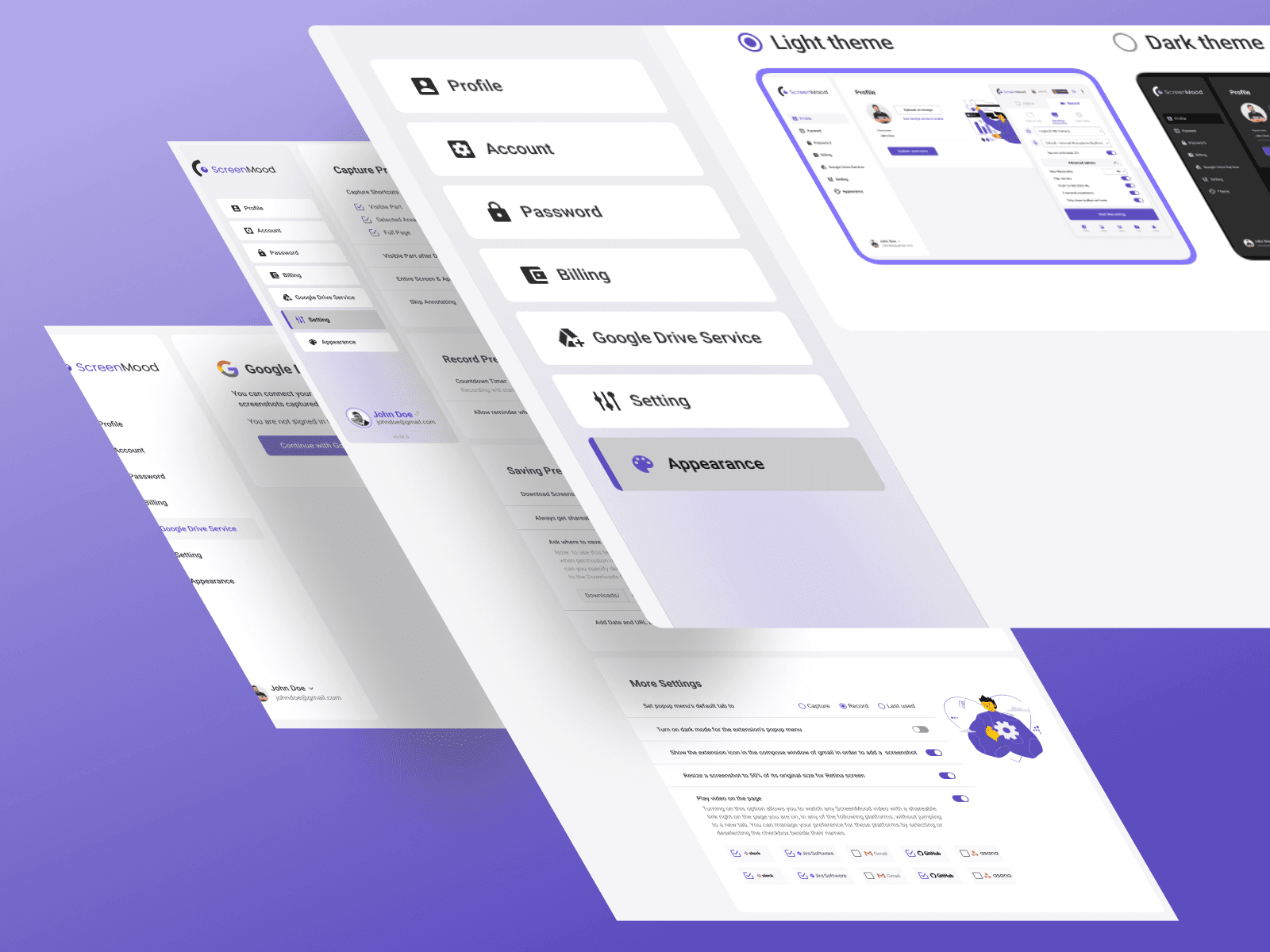
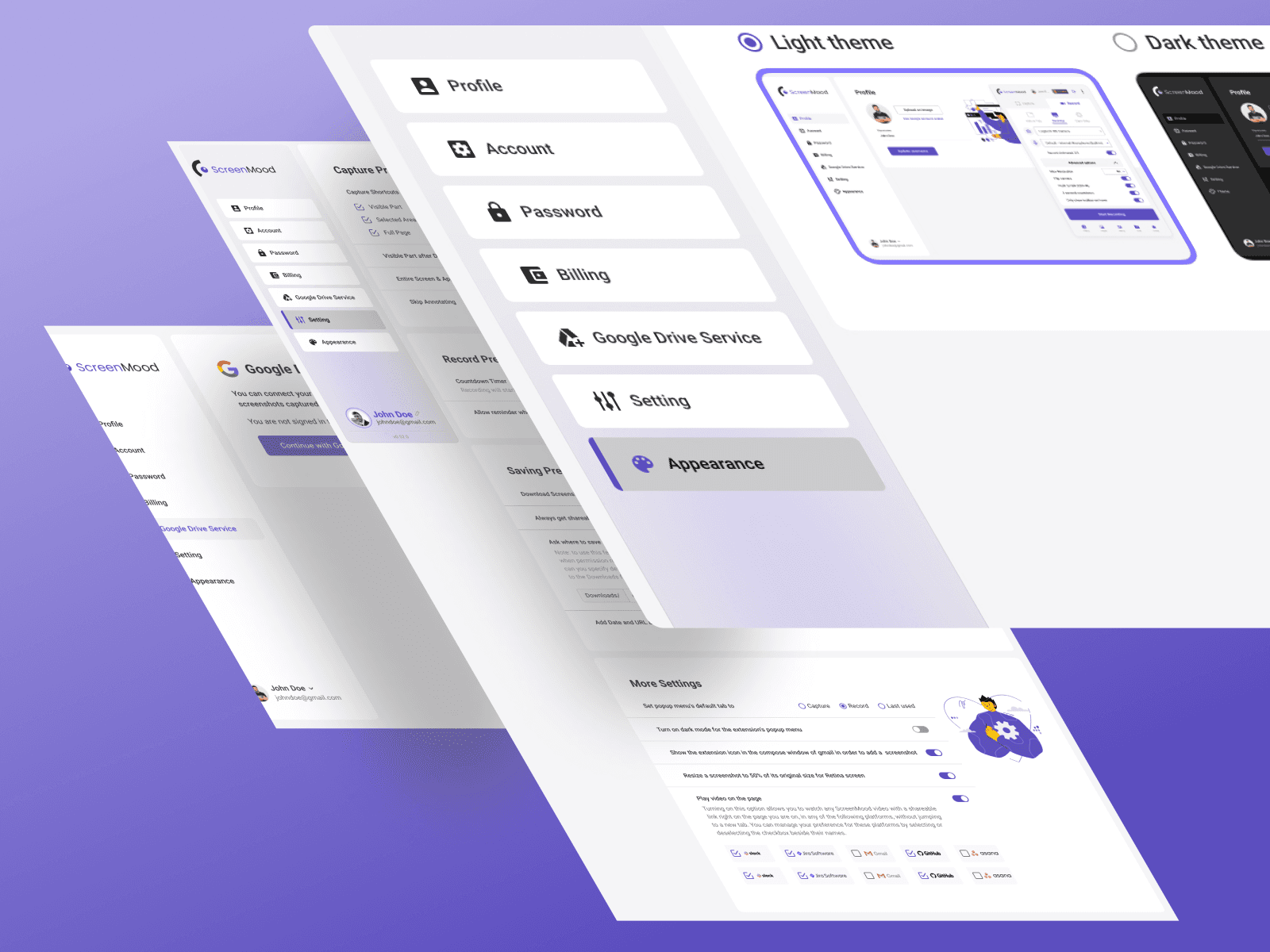
Settings
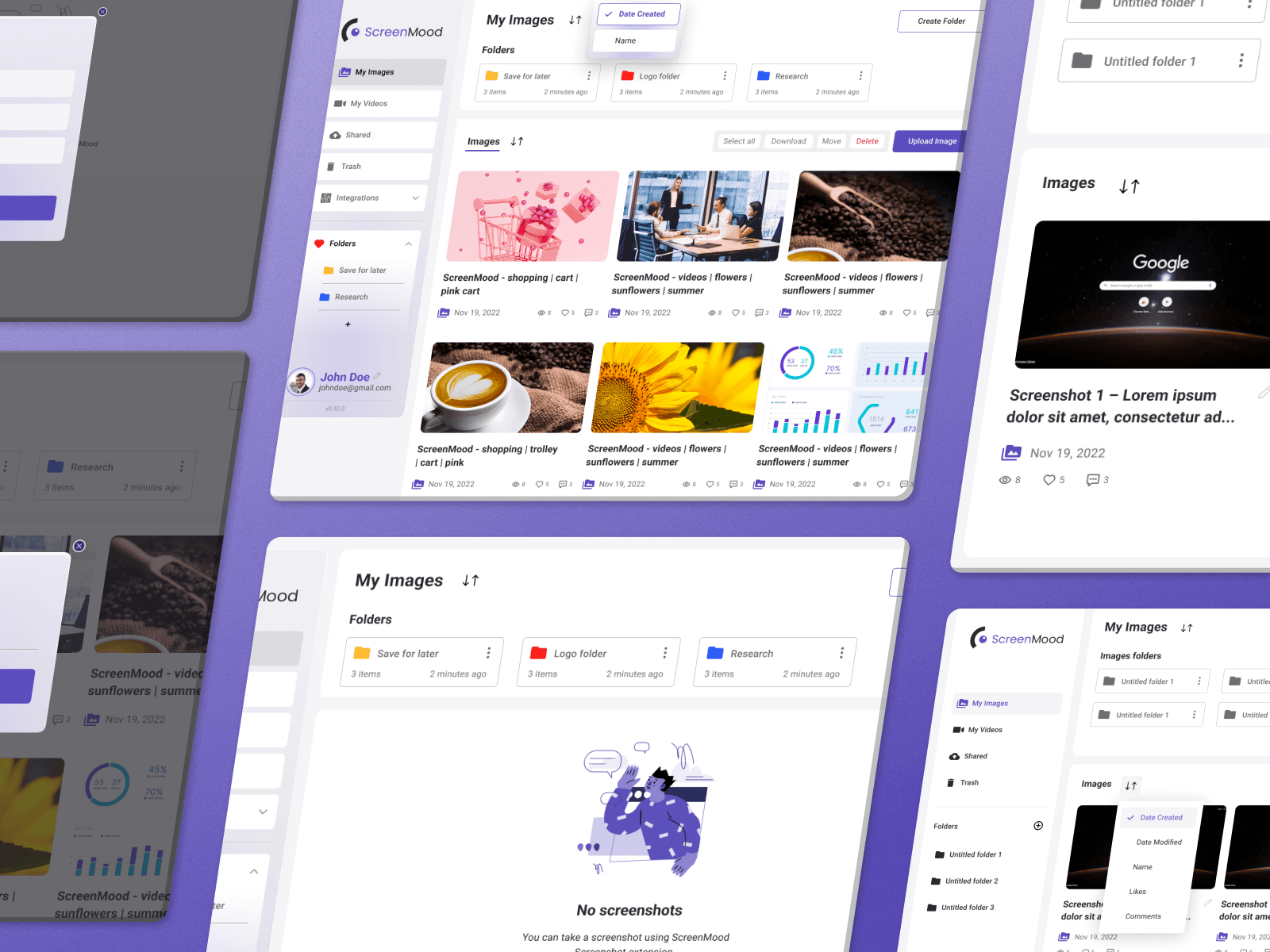
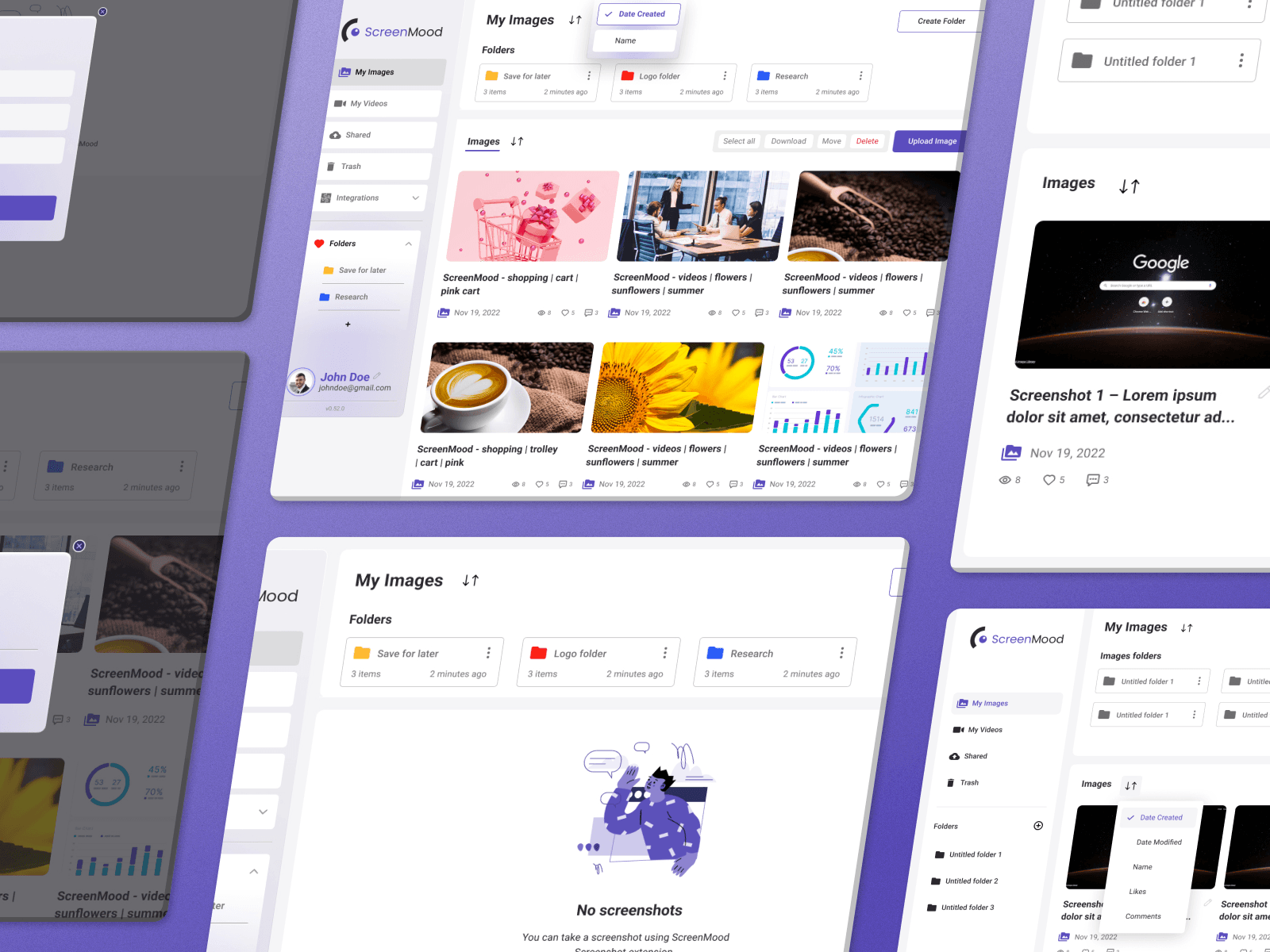
Folder Interactions
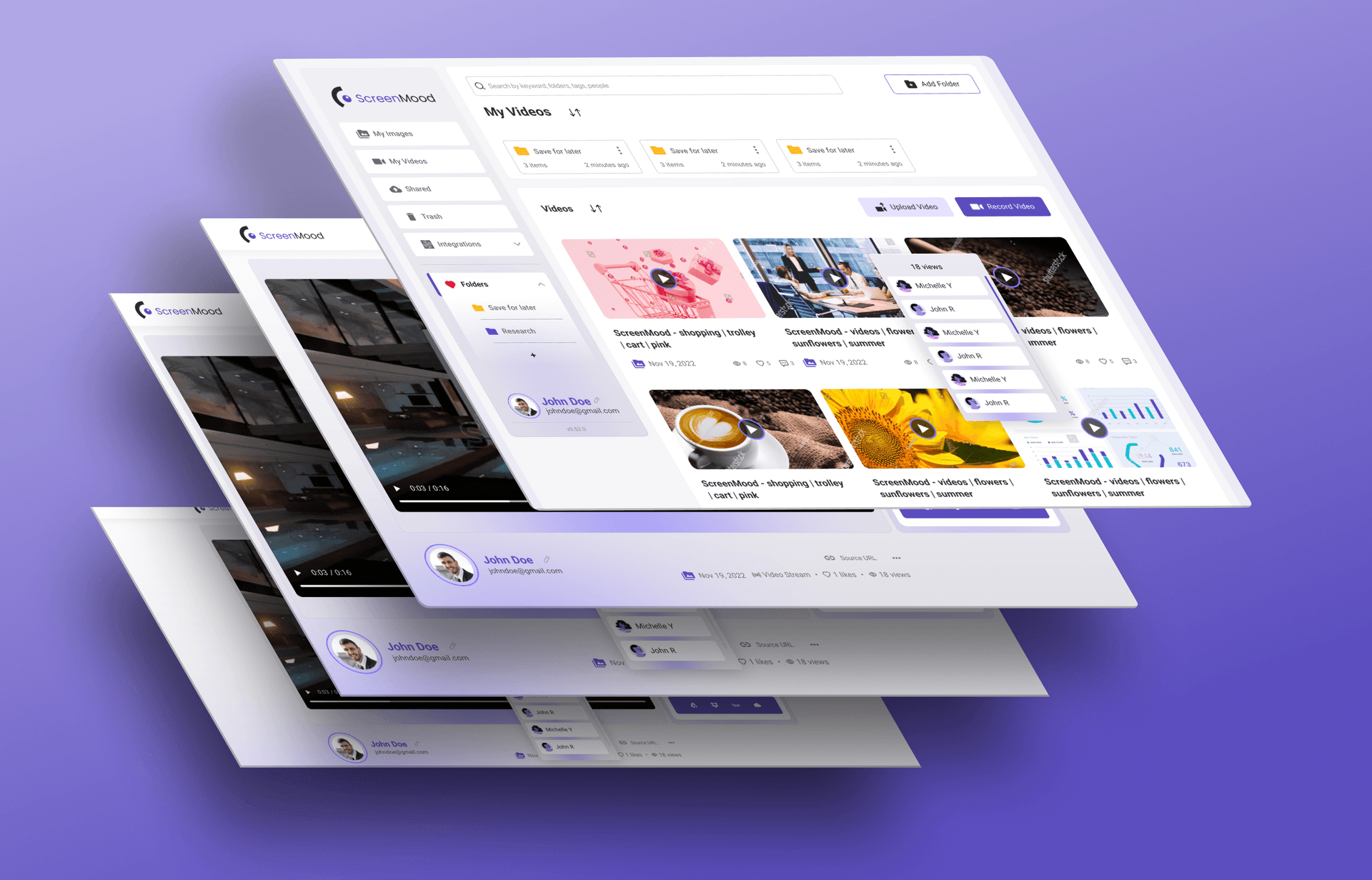
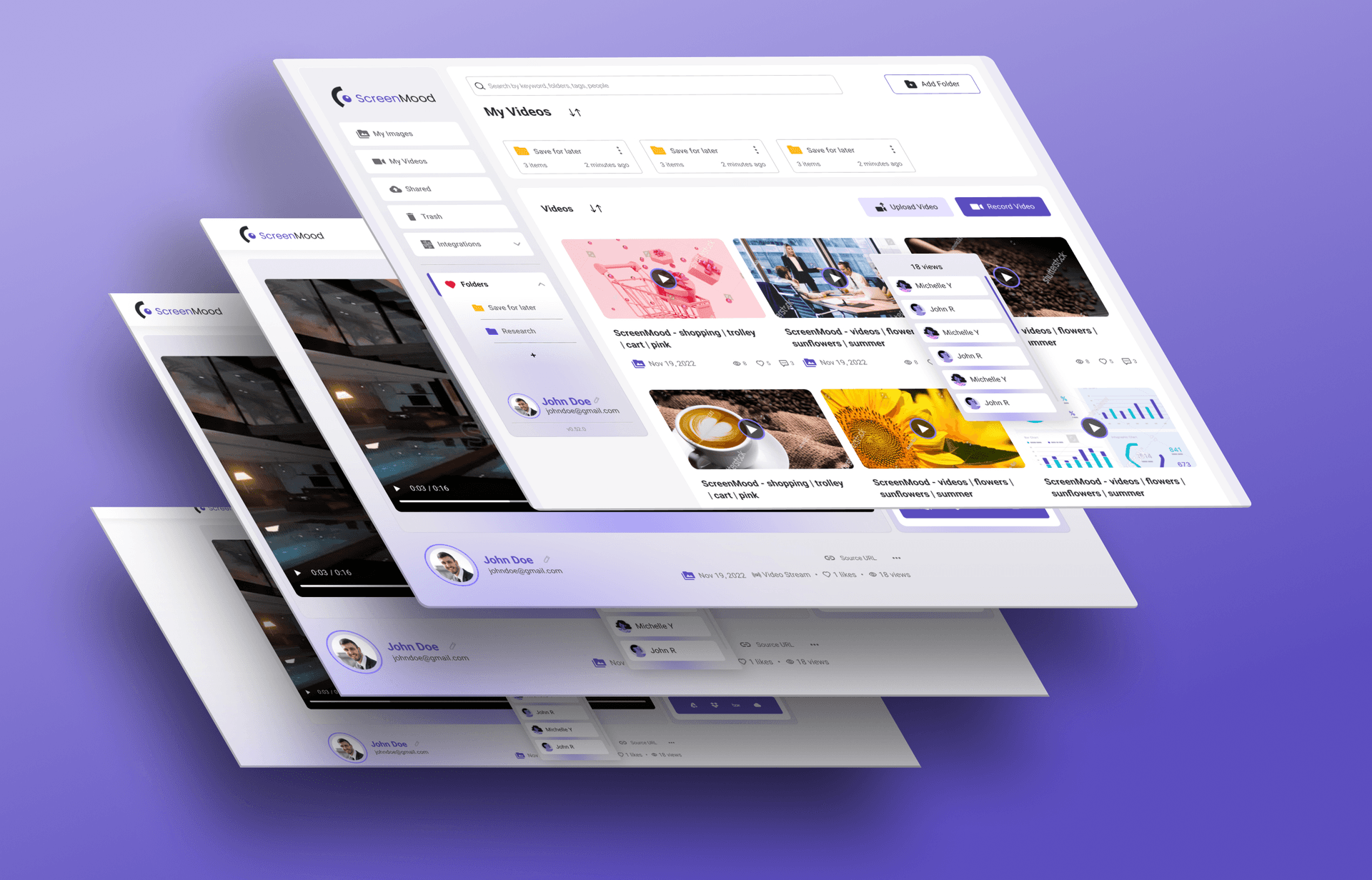
Videos
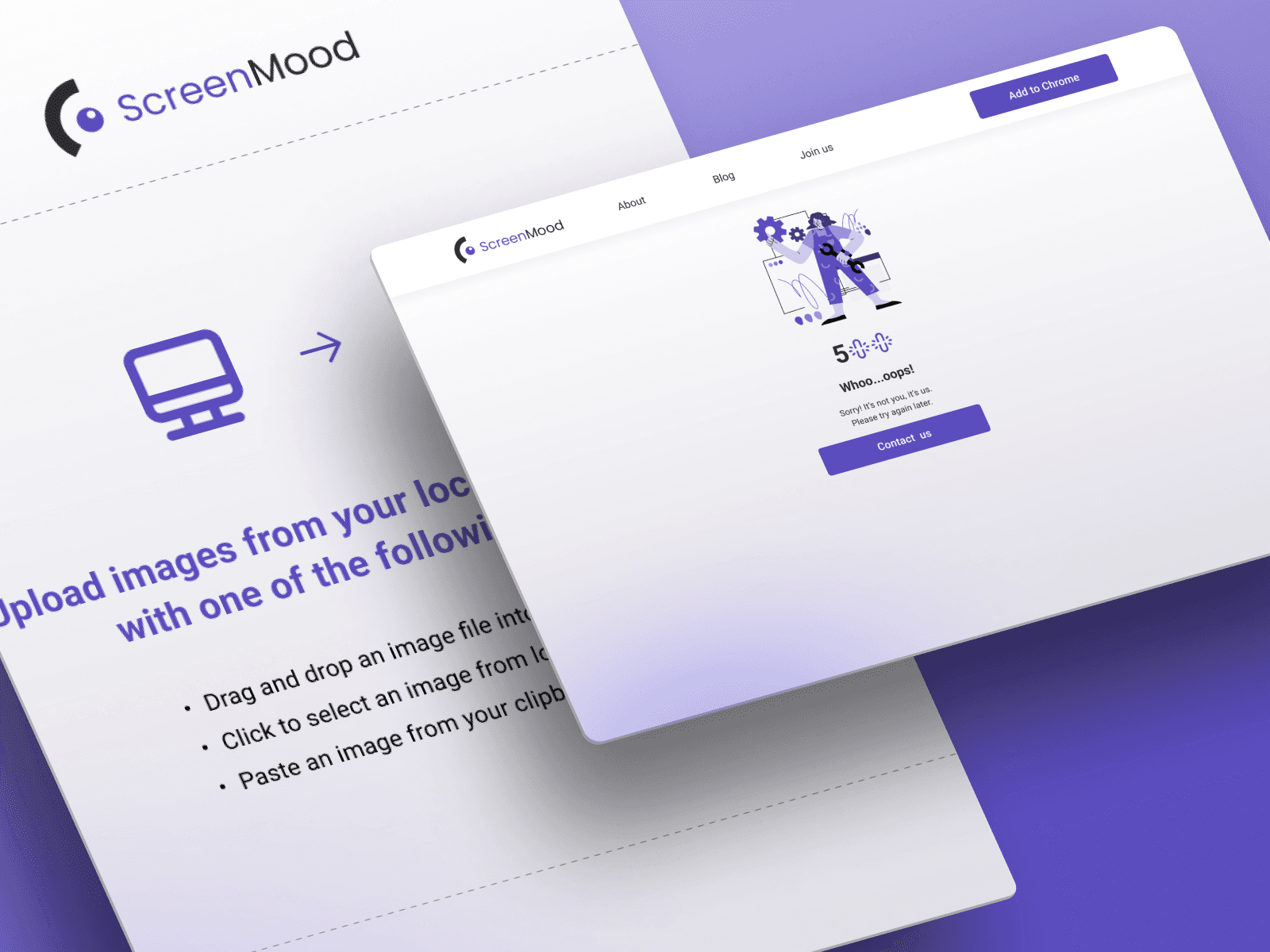
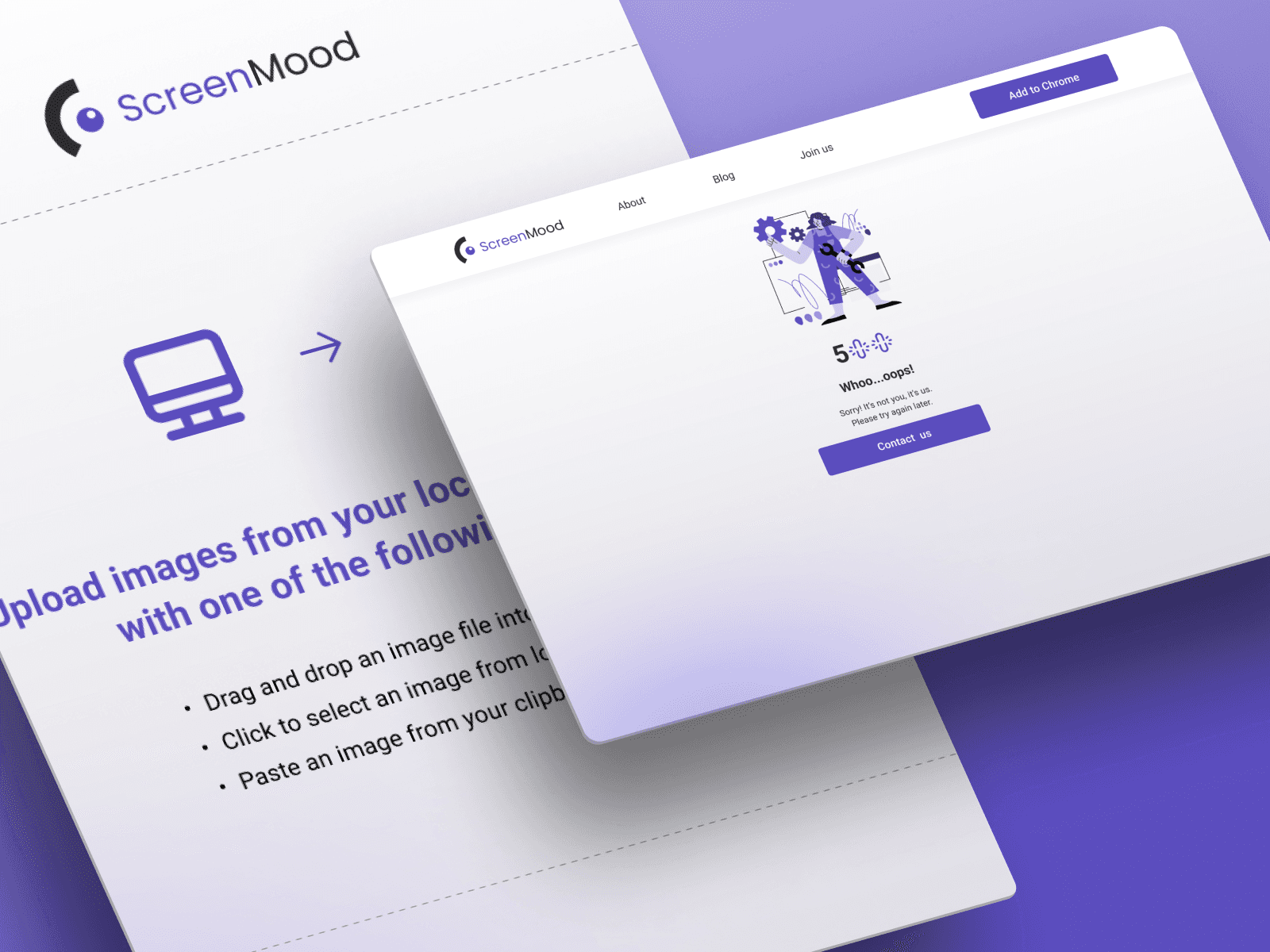
Annotate Upload Images
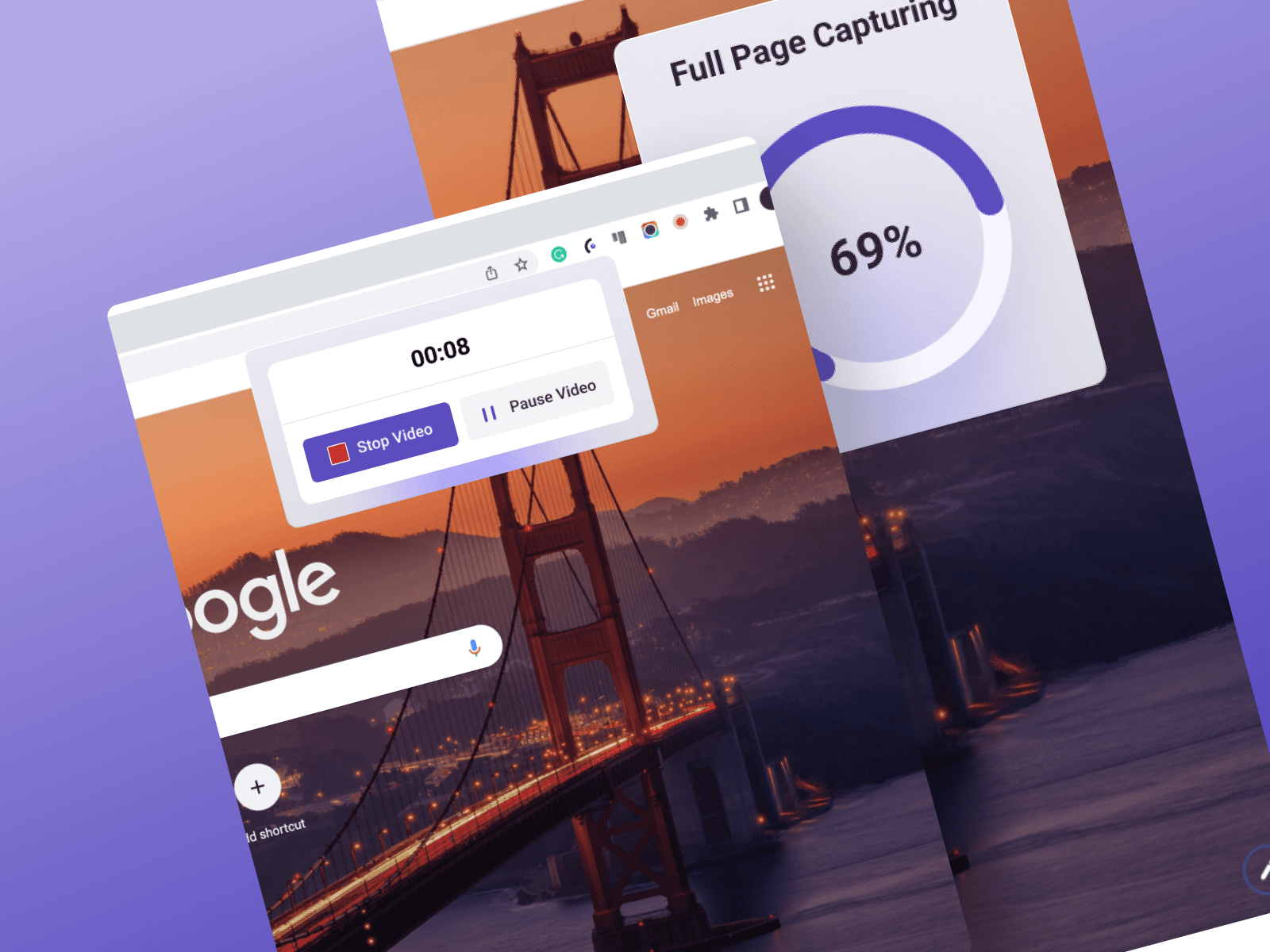
Recording
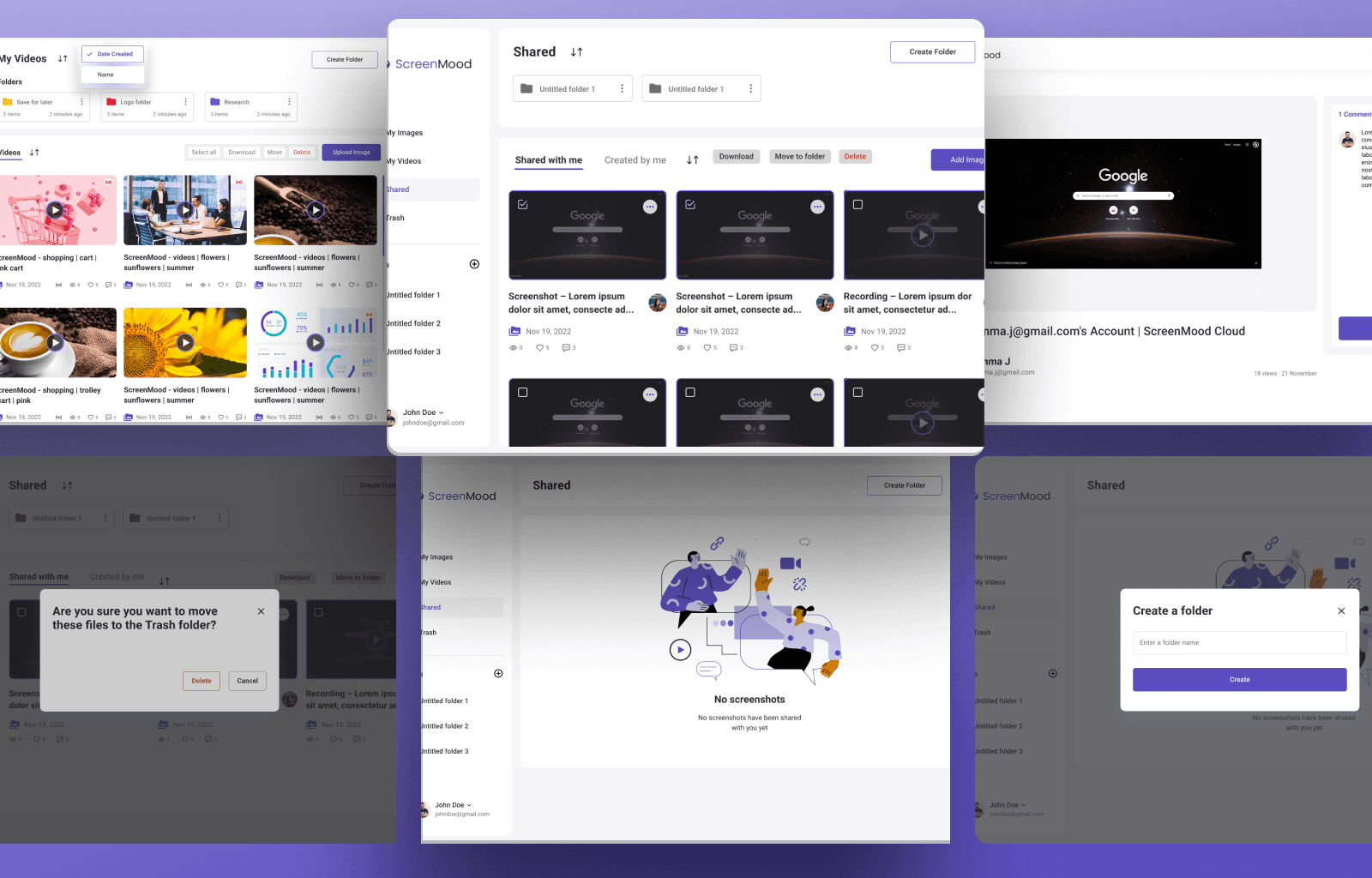
Profile And Profile Shared
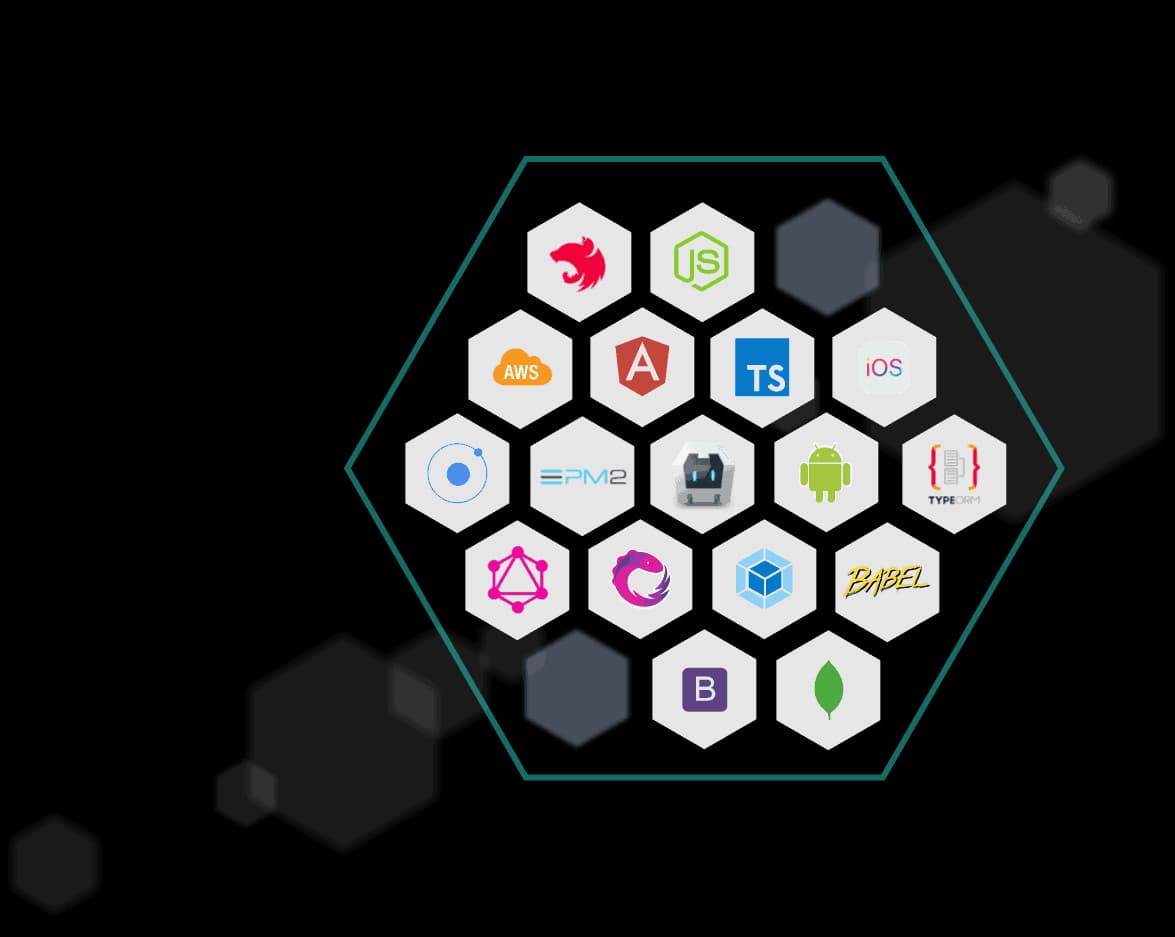
STOS TECHNOLOGICZNY
INTERFEJS UŻYTKOWNIKA
Web Front-End
- TypeScript

- React

- NextJS

- Google Chrome Extension

BACKEND
Backend
- TypeScript
- Node.js

- NestJS

CHMURA I BAZY DANYCH
CLOUD & DBs
- Firebase

- DigitalOcean

Conclusion:
ScreenMood's user flow is designed to provide a fluid and intuitive user experience at every stage of interaction.
Our team has developed a user flow that simplifies the management of screenshots in an efficient and transparent way, guided by an in-depth analysis of user needs.
Every step of the process, from initial capture to customization and sharing, has been carefully considered, ensuring effortless navigation and a clear understanding of all the features ScreenMood has to offer.
Our well-thought-out user flow allows users to take full advantage of the application's capabilities, ensuring an optimal user experience at every interaction.
Project Impac
Although ScreenMood was not launched, its development process has significantly contributed to our understanding of user needs and market demands for screenshot management tools. The project helped identify a clear gap in the market for advanced screenshot tools, highlighting a potential area for future innovation. Internally, the project fostered skill development and brought out creative problem-solving abilities within the team.
Lessons Learned
The importance of robust financial planning became evident. Future projects will benefit from more flexible budgeting strategies and contingency funds to accommodate unexpected changes.
Areas for Improvement
Market Analysis: Enhanced initial market analysis to better align project outputs with user expectations and market trends, ensuring the product’s success upon release.
Zespół i czas rozwoju

1
CTO

3
Inżynierowie Front-end
2
Inżynierowie Back-end

1
Projektant UX / UI
72 weeks
Czas rozwoju
Core Team



Other members

Orfey K.
Inżynier Full Stack

Chetan K.
Inżynier Full Stack

Chirag P.
Inżynier Full Stack